If the battery level of the Bluetooth
®
device is low, the following icon will blink on and off in the
status bar at the top of the screen: .
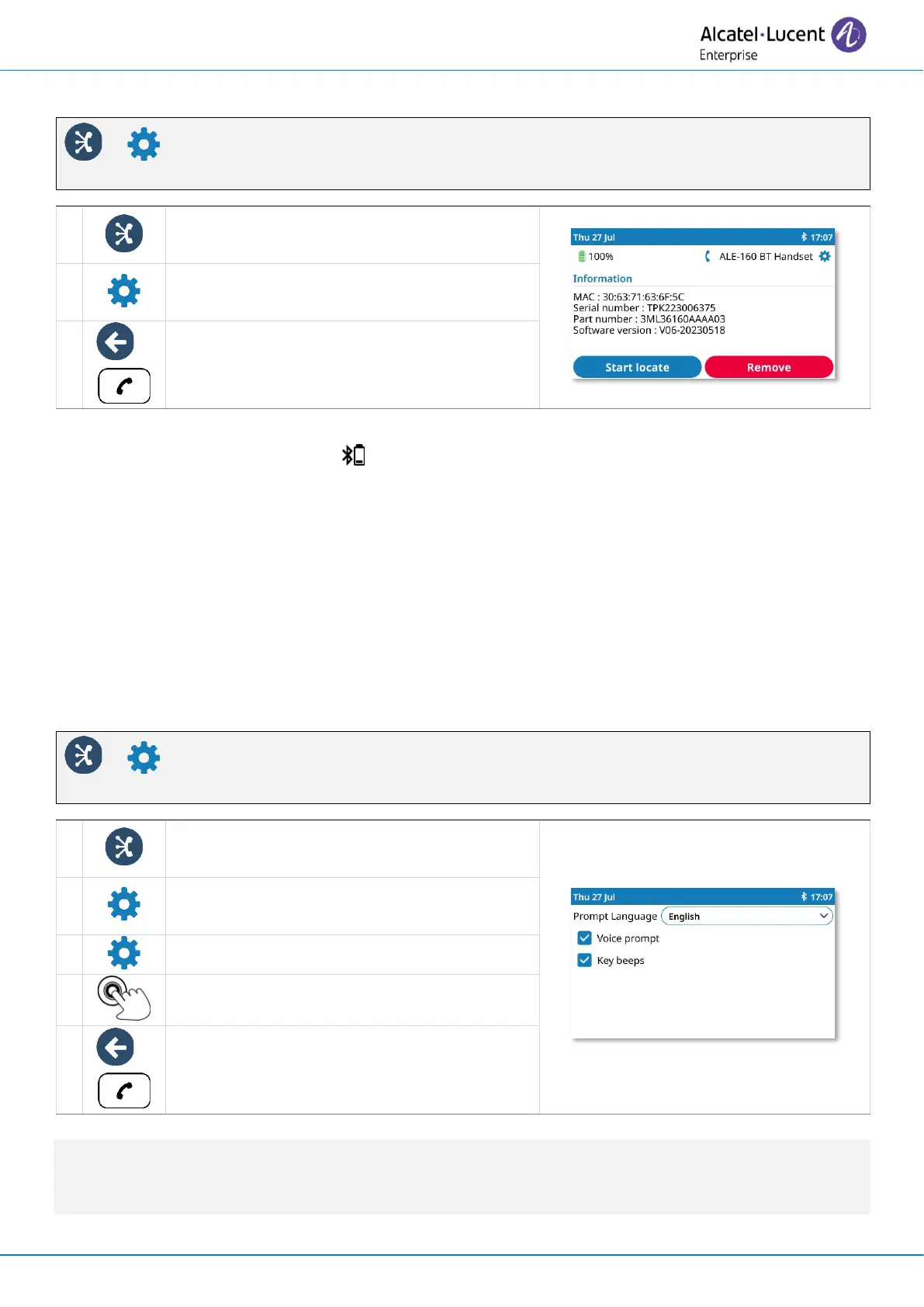
5.2.8 Voice prompts
The voice prompts help you to manage functions of the handset.
Examples of voice prompt: “Power On”, “Power Off”, “Device connected”, “Device Disconnected”,
“Battery low ”, “Mute on”, “Mute off”, “English language”, “Pairing mode, waiting for connection”.
Voice prompts are available in 8 languages (English, French, German, Italian, Japanese, Chinese
Mandarin, Russian, Spanish). The default language is English. To hear the prompt, the handset has
to be near your ear.
5.2.8.1 Define voice prompts language
You can change this setting directly from the handset.
Next language: press simultaneously on Mute and Volume + keys.
Previous language: press simultaneously on Mute and Volume - keys.



 To Next Page