Accessories
8AL91446ENAA ed02 90 /113
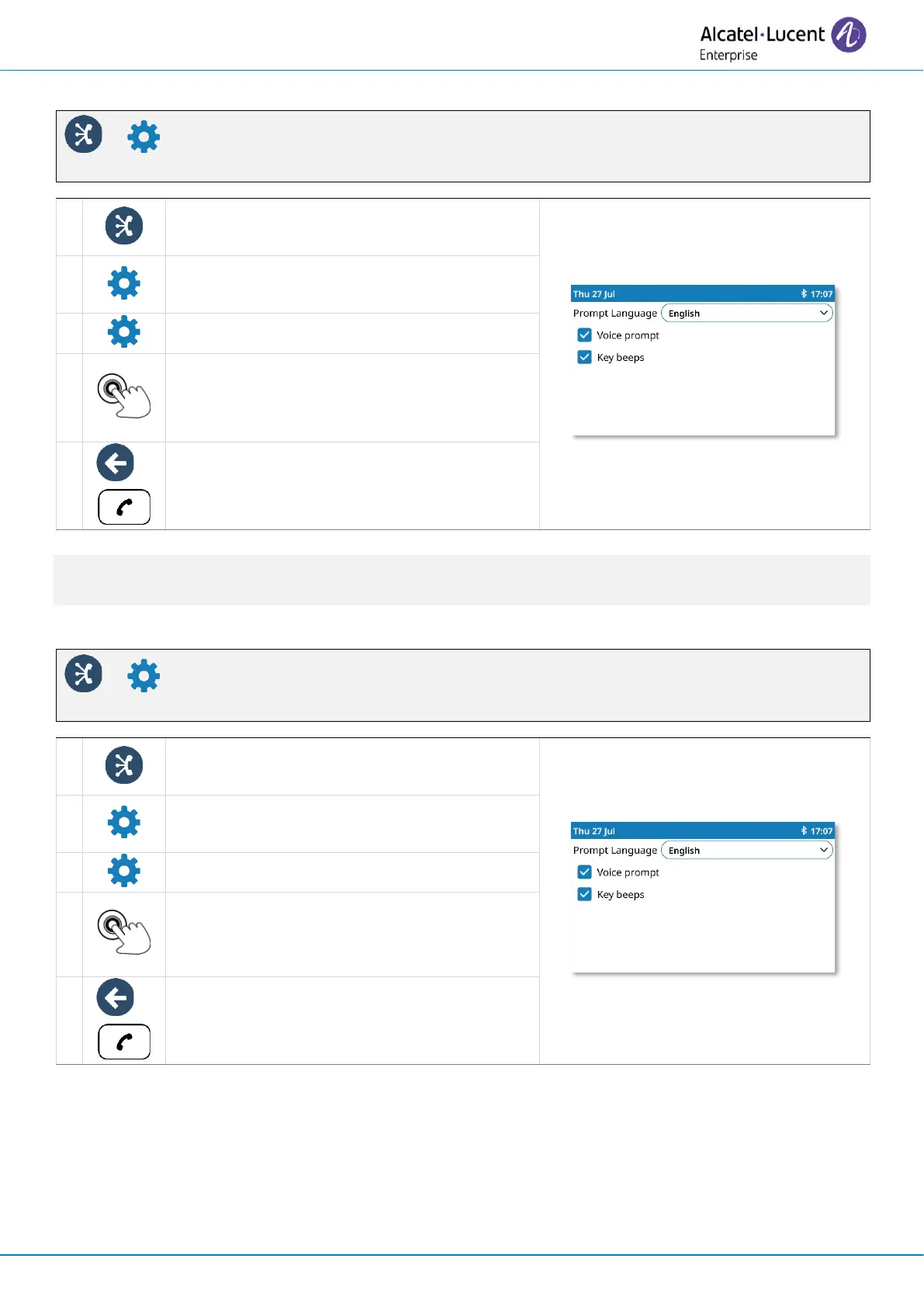
5.2.8.2 Activate/deactivate voice prompts
Open the ALE Link.
All connected devices are listed.
Open the device settings: ALE-160 BT
Handset.
Open the prompt settings.
Voice prompt
Check/uncheck the box to
activate/deactivate the voice prompts.
You can change this setting directly from the handset.
Activate/deactivate: press simultaneously on Mute and Power keys.
5.2.8.3 Activate/deactivate the beep touch
Open the ALE Link.
All connected devices are listed.
Open the device settings: ALE-160 BT
Handset.
Open the prompt settings.
Key beeps
Check/uncheck the box to
activate/deactivate the key beeps.



 To Next Page