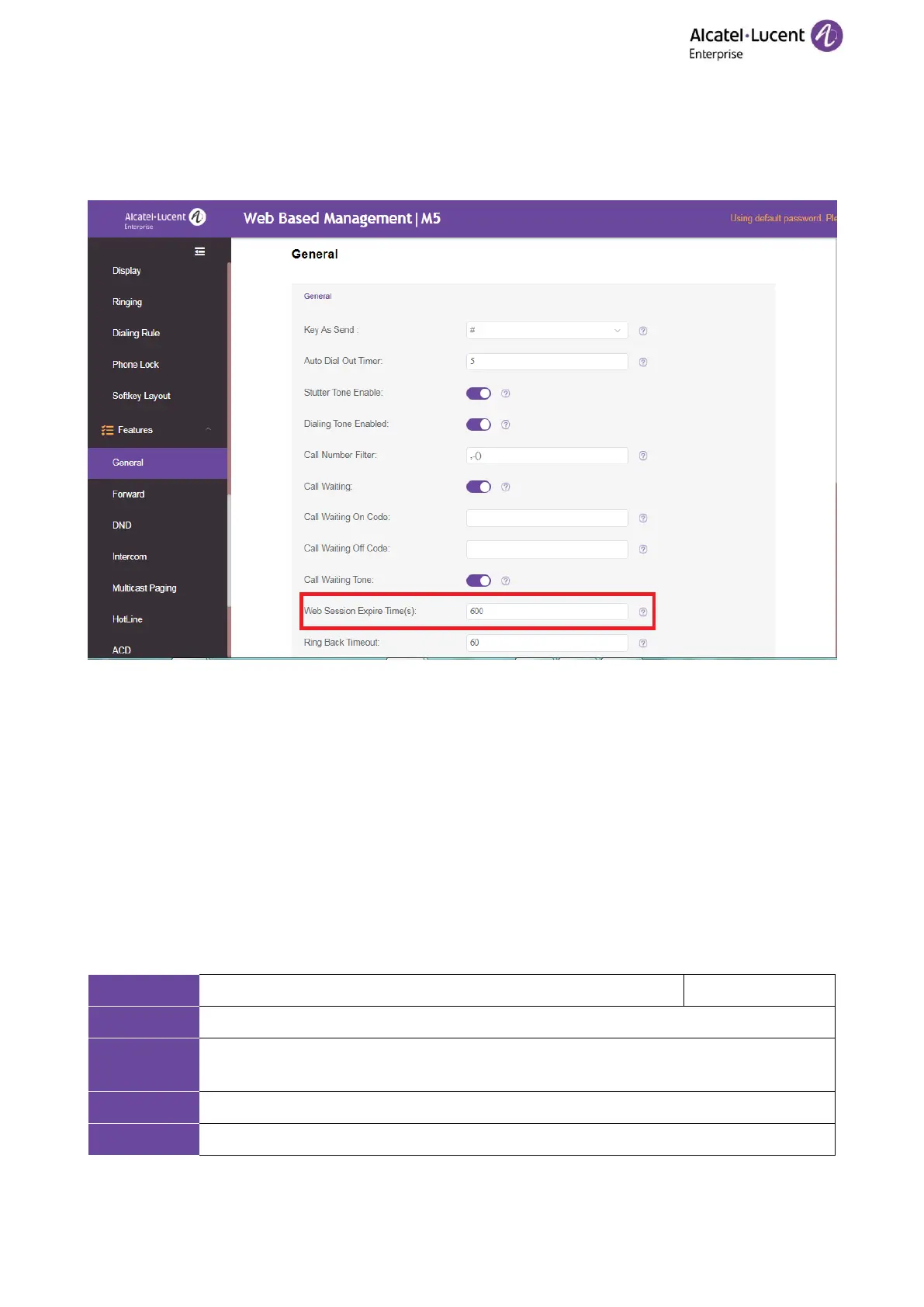
5.2 Auto Logout
Auto logout time (default 5 minutes) defines the time interval of logging out the web user interface
automatically when you do not perform any action on web user interface. Once logged out, you must re-enter
username and password for web access authentication, and then log in again.
5.3 Phone Lock
You can lock the IP phone to prevent it from unauthorized use. Once the IP phone is locked, you must enter
the password to unlock it. The default password is “0000”.
You can set waiting time interval for locking the phone automatically.
Note: Once the phone is locked, the user can input the password “0000” to unlock the phone.
But if the default password is changed and lost, the user can reset the parameter “SettingPhoneUnlockPwd”
in the configuration file over auto provisioning.
5.3.1 Operation Behaviors on Locked Phone
When the phone is locked, you can only initiate an emergency call.
The following table lists the parameter you can use to configure the emergency number.
5.3.2 Phone Lock Configuration
The following table lists the parameters you can use to configure the phone lock.














 To Next Page