key then the programmable key you want to modify on the main (perso) page
The screen displays the Key program page
c. Press the Modify softkey
d. In the Number field, enter the directory number to program and if desired, the name
that corresponds to this number (as of R11.0.1)
e. Press the Apply softkey.
The screen displays Programming accepted
- For programmable keys of a Smart Display Module
a. Press the key then the programmable key you want to modify on the Smart
Display Module
The screen displays the Key program page
b. Press the Modify softkey
c. In the Number field, enter the directory number to program and if desired, the name
that corresponds to this number (as of R11.0.1)
d. Press the Apply softkey.
The screen displays Programming accepted
4.3.1.3 Deleting the Contents of a Programmable Key
1. In the Menu page, navigate to: Settings -> Phone -> Key program
2. Enter the password and press the Apply softkey.
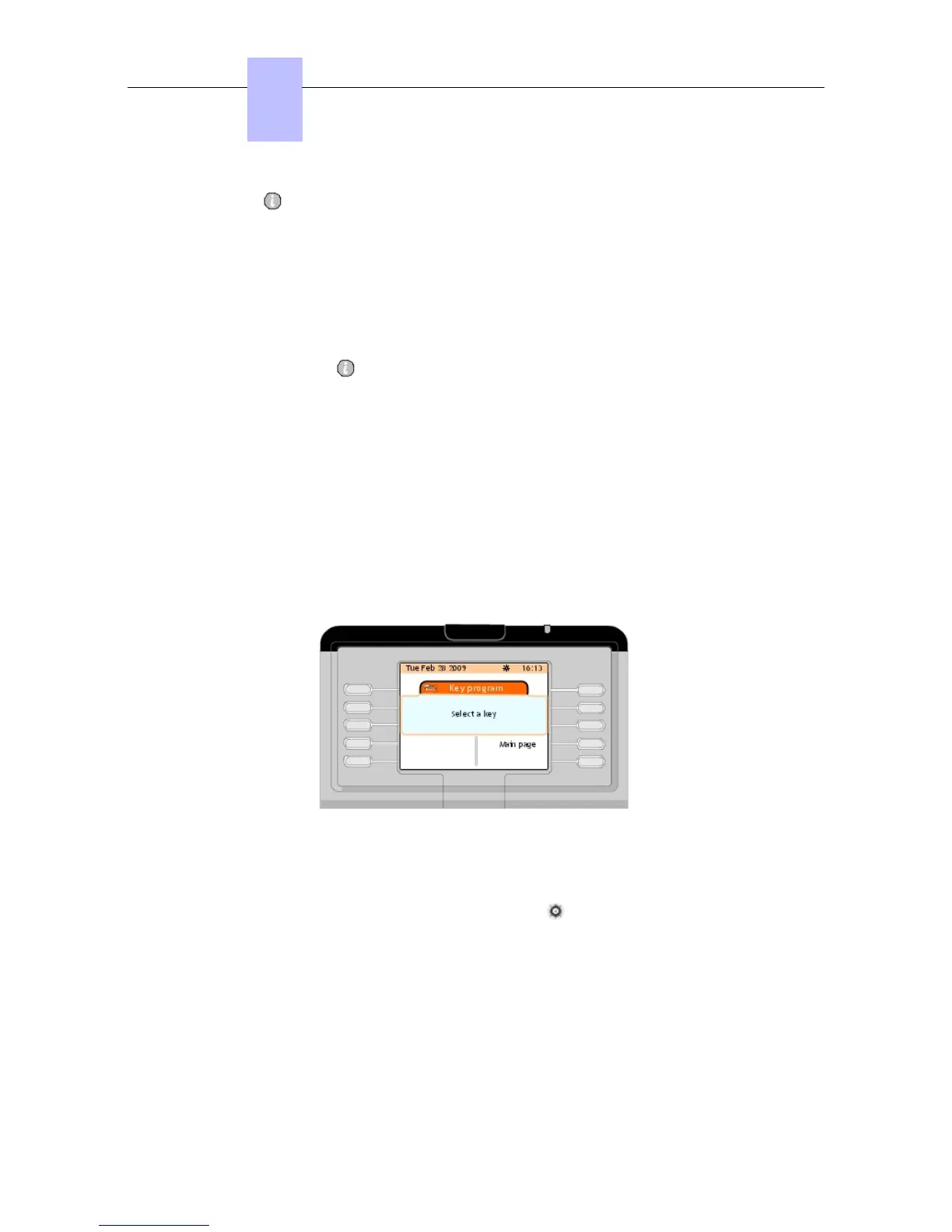
The screen displays the Key program page
Figure 4.9: Key Program Page (Select a Key)
3. Press the Main (perso) page softkey
4. Press the up or down arrow on the navigator ( ) to access the programmable key that
you want delete
5. Press the programmable key corresponding to the internal user you want to delete.
The screen displays the Key program page
Chapter
4
&' (!'
4-6
! "













 To Next Page