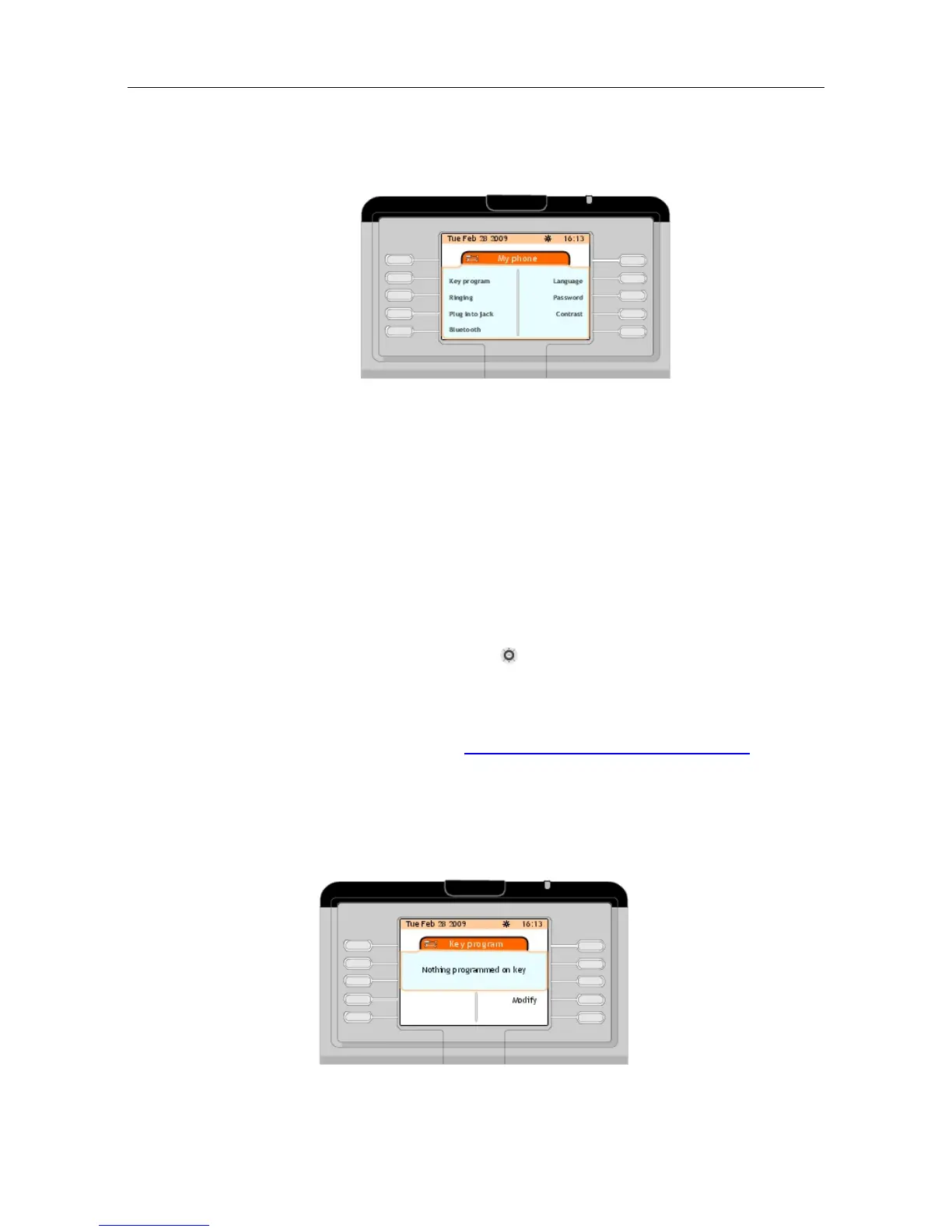
Figure 4.3: Attendant Set Settings
4.3.1 Assigning Programmable Keys
In order to create a personal directory, assign an internal or an external number to a
programmable key on the main (perso) page or on an add-on keypad module if it exists
(smart display module).
Note 1:
Some of programmable keys may be locked by the system manager. Only programmable keys with a
label consisting of four space periods (full stops) can be assigned.
Note 2:
Pressing the up or down arrow on the navigator ( ) provides access to additional programmable keys
on the main (perso) page.
Note 3:
The attendant may select the operating mode of the attendant set by means of the two programmable
keys Auto answer and Auto transfer: see Selecting Answer and Transfer Operating Modes
4.3.1.1 Creating a Programmable Key
1. In the main (perso) page or on the add-on keypad modules, press a key corresponding to
four spaced periods.
The screen displays the Key program page, indicating that nothing is programmed on this
key
&' (!'
! "
4-3













 To Next Page