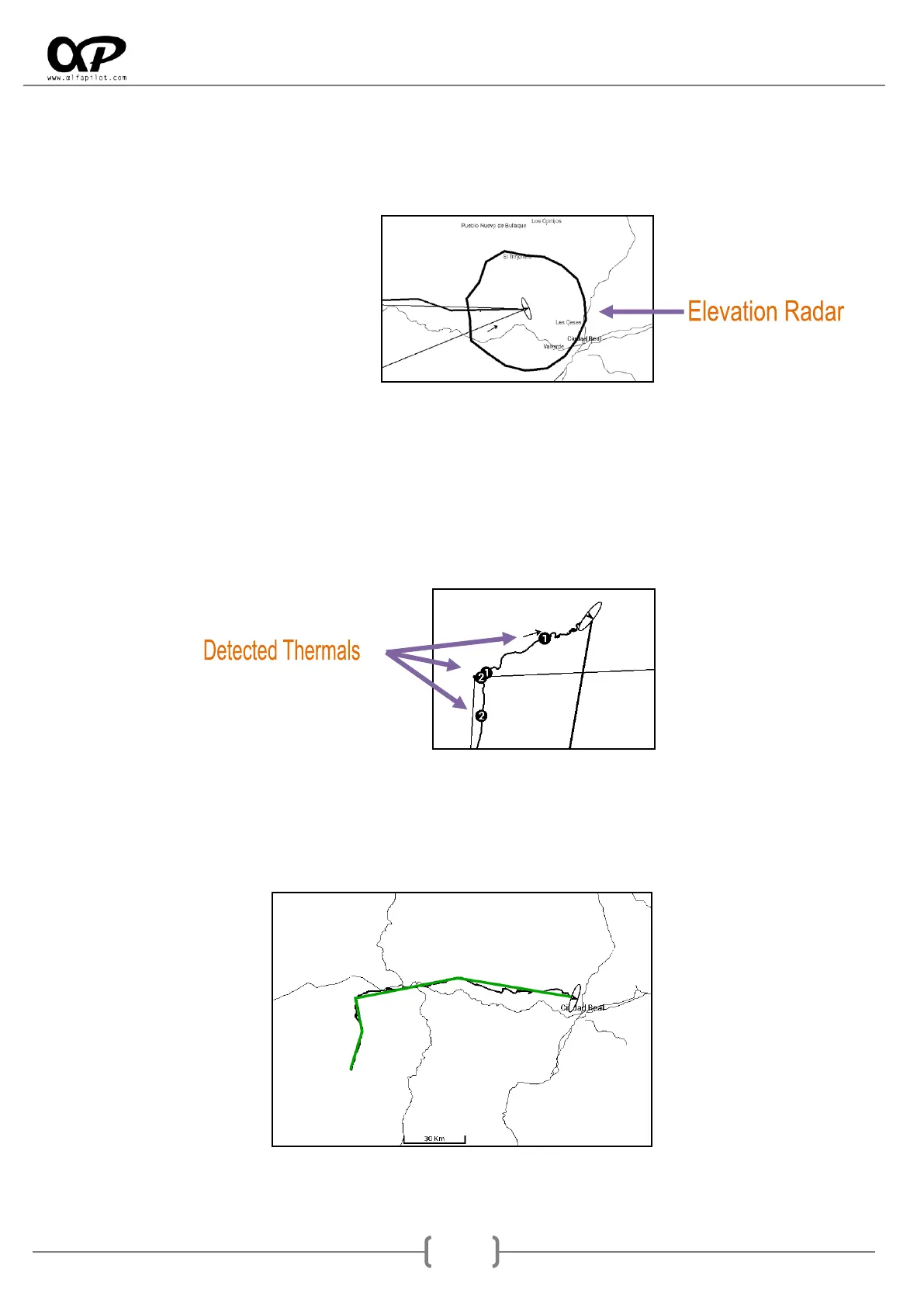
o Show Elevations Radar, shows a polygon that indicates the maximum distance we can fly,
based on our current altitude, the altitude of the ground in all possible directions, the glide
of our wing and the current wind. It is necessary to have the files of elevations loaded, (see
section 10).
o Auto-Zoom when Thermal is detected, performs an automatic zoom when thermal is
detected.
o Zoom level for Thermal, allows us to select the Zoom level when the Auto-Zoom occurs
when detecting a thermal.
o Show Thermals detected in flight, show on the map the last positions of thermals by a
circle and its average ascent.
Navigational Map XC (specific options):
o Show Flight XC Path, show us our flight XC lines, based on 3 TurnPoints optimized.



 To Next Page