5
1 Getting started
Alpine navigation is optimised for in-car use. You can use it easily by tapping the screen buttons and the
map with your fingertips.
When you start using the product, you can download new maps in the next.
1.1 Initial set-up
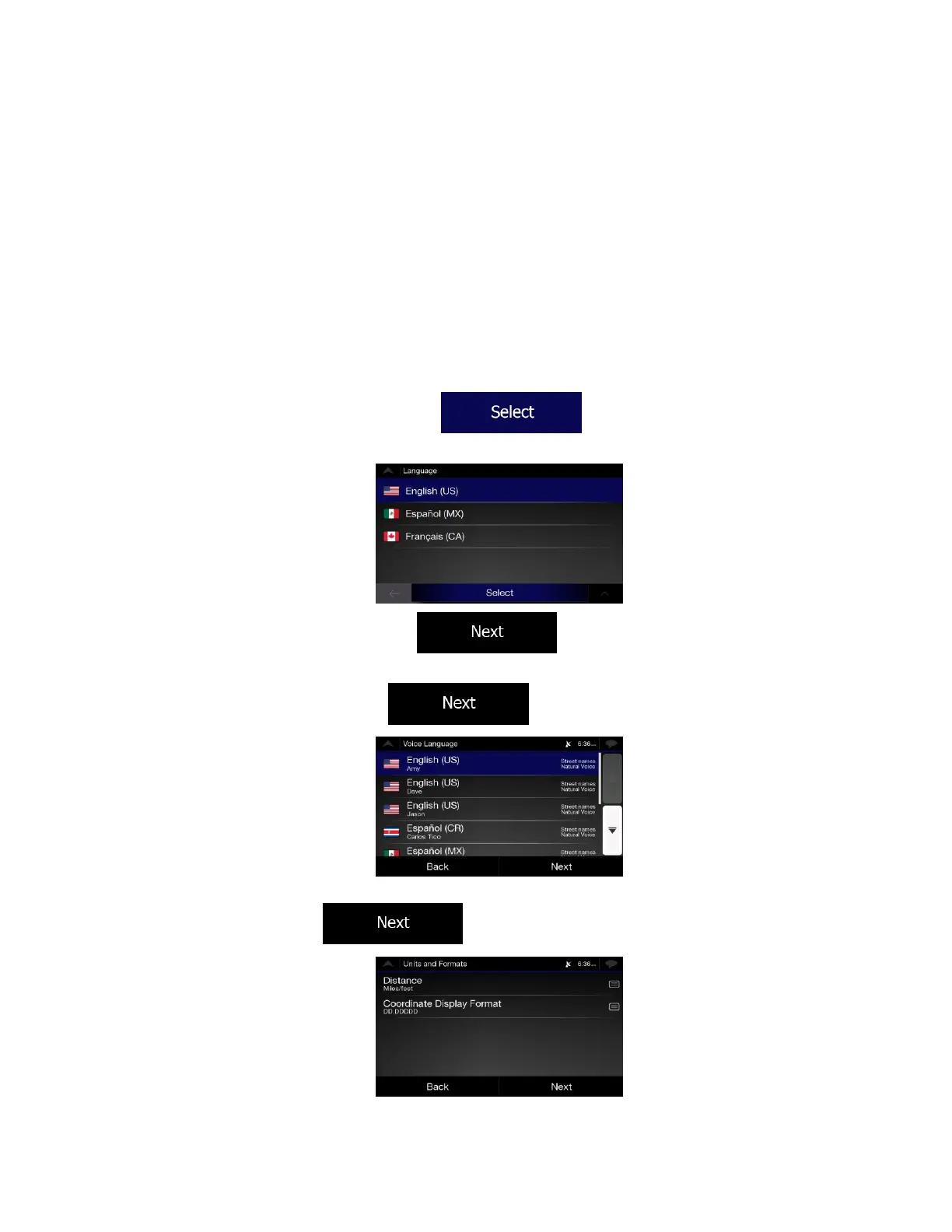
When using the navigation software for the first time, an initial set-up process starts automatically.
1. Select your preferred language, then tap to confirm your selection. Later you
can change it in Regional settings (page 77).
2. The Configuration Wizard starts. Tap to continue.
3. Select the language and speaker used for voice guidance messages. Later you can change it in
Regional settings (page 73). Tap to continue.
4. If needed, modify the time format and unit settings. Later you can change them in Regional
settings (page 77). Tap to continue.













 To Next Page