67
-EN
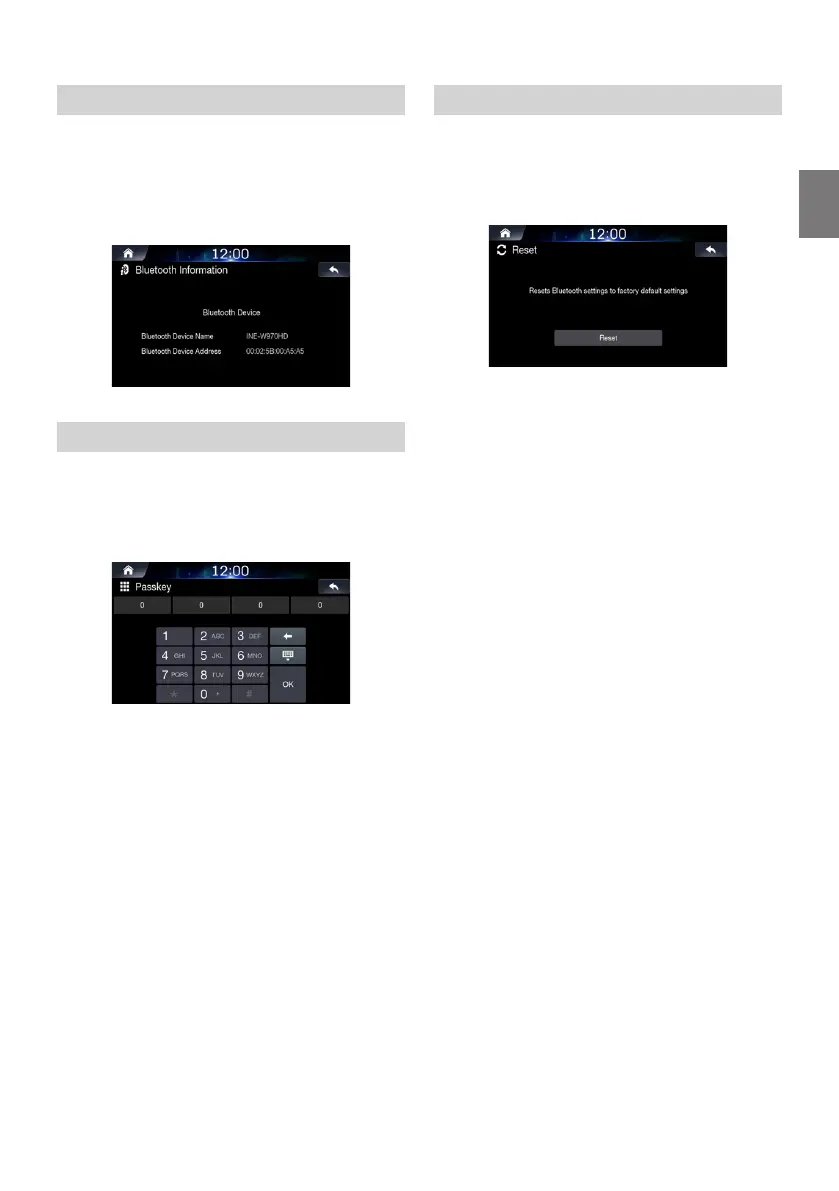
Viewing Bluetooth System Info
This feature is used to view the Bluetooth vehicle name and system
information.
In the Bluetooth Settings screen, touch [Bluetooth
Information].
Setting the Passkey
This feature allows you to change the passkey used for Bluetooth
device authentication.
In the Bluetooth Settings screen, touch [Passkey].
Enter the passkey and touch [OK]
• The default passkey is 0000.
Resetting Bluetooth Settings
This feature will restore the system's Bluetooth connection settings
to the factory default. Any paired/connected devices will be removed.
In the Bluetooth Settings screen, touch [Reset].
Touch [Reset]
→
[Yes].













 To Next Page