52
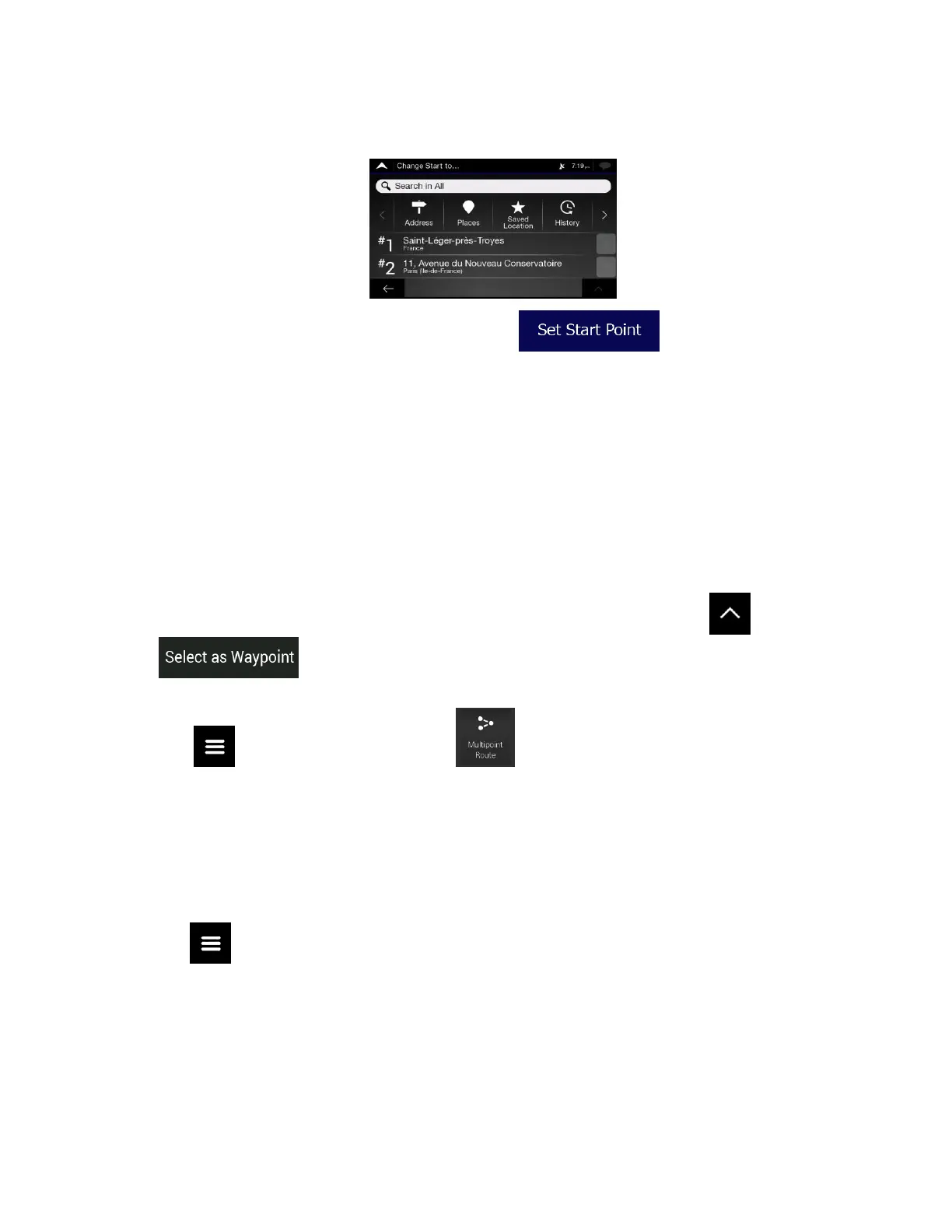
4. The Change Start to... screen appears. Select the starting point of the route the same way you
select a destination.
5. You can see the new starting point on the map. Tap and the Multipoint Route
screen appears where you can continue adding a destination to your route.
6. Tap to continue. The route will be saved with the starting point that you have just set. You can use
the saved route later to plan a route. (See page 44.)
3.3.2 Adding an additional destination
If you already have a planned route and you select a new destination as described in the above sections,
the route to the previous destination is deleted and a new route is calculated.
To add a new intermediate destination to the planned route, perform one of the following actions:
• Tap the map anywhere to browse it. After selecting the location on the map, tap and
to add the selected location to your route as an intermediate destination. The
other destinations of the route remain intact.
• Tap on the Navigation view and tap . Add a destination to your route as described
on page 48.
3.3.3 Modifying the list of destinations
To edit your route, perform the following steps:
1. Tap on the Navigation view to access the Navigation menu.













 To Next Page