The route always stands out with its color on the map, both in
daytime and night color modes.
Streets and roads that
are excluded from the
navigation
You can choose whether you want to use or avoid certain road
types (page 70). However, when Alpine navigation cannot avoid
such roads, the route includes them and shows them in a color that
is different from the route color.
1.3.5 Maneuver icons
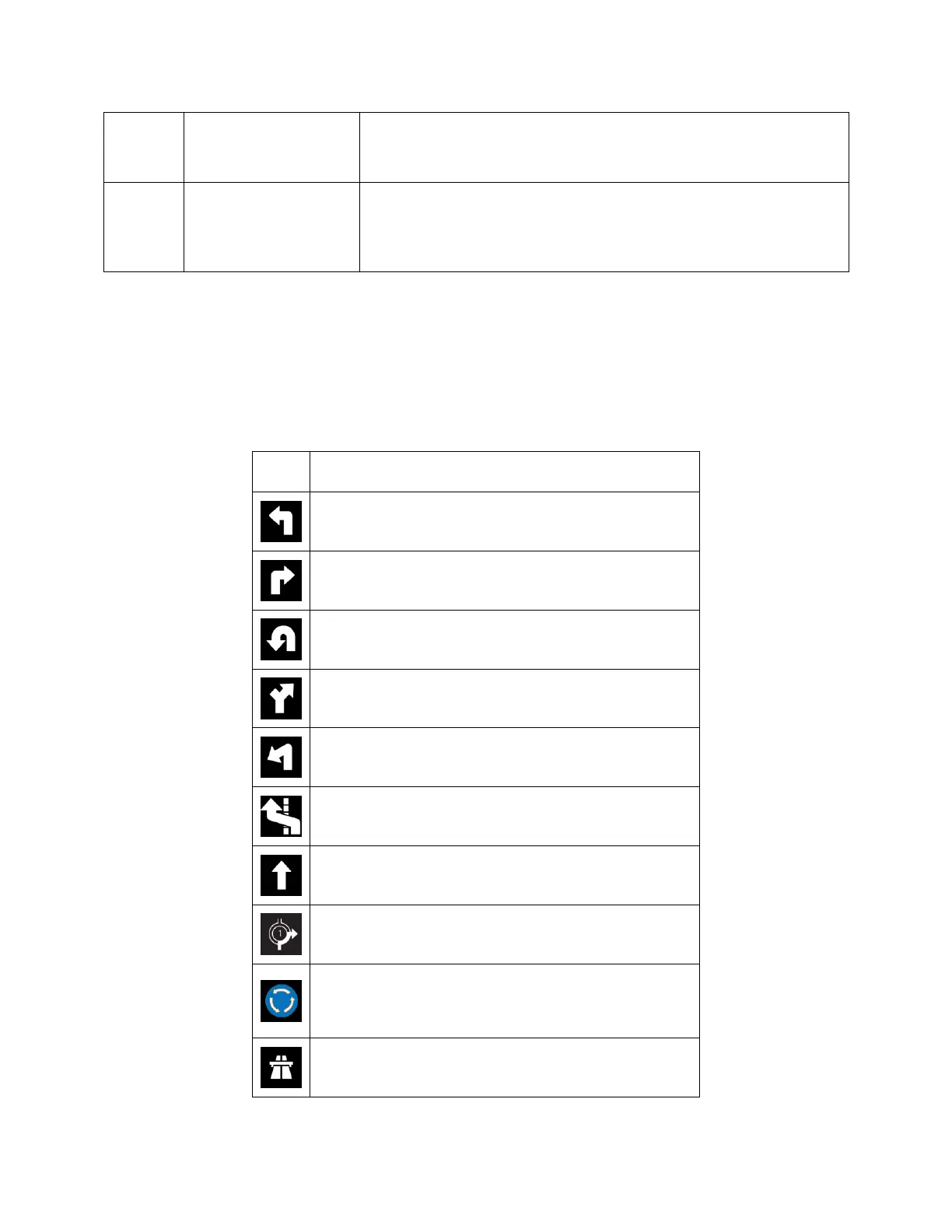
During navigation the next maneuver is displayed in the top left corner. Most of the maneuver icons are
intuitive. The following table lists some of the frequently shown route events:
Continue straight in the intersection.
Enter the traffic circle and take the first exit (next
maneuver).
Enter the traffic circle (second next maneuver).













 To Next Page