36
-EN
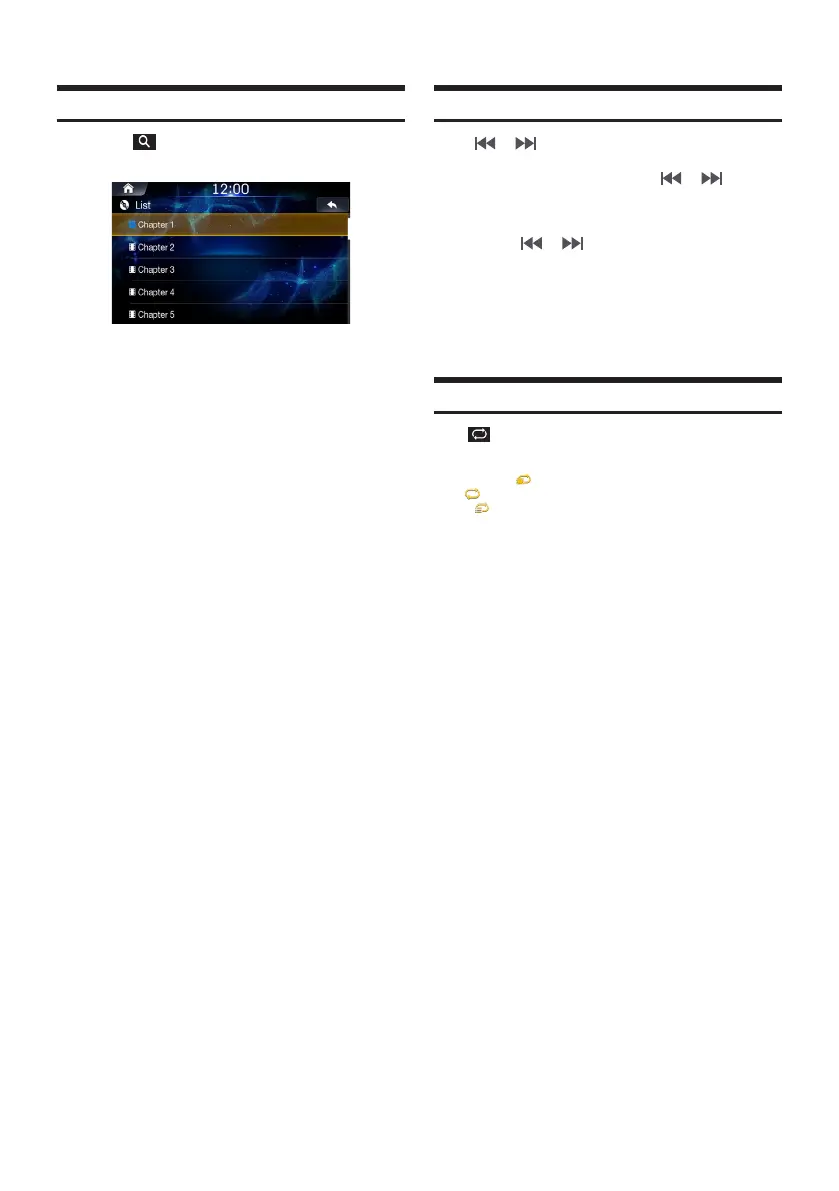
Searching Chapters
Touch .
Search the desired chapter.
Touch the desired chapter to play.
Fast-Forwarding or Rewinding a Chapter
Using or .
While playing, touch and hold or .
Touch and hold for more than 1 second to rewind or fast-
forward at high speed.
Release or to play the chapter at normal
speed.
Using Play Bar
Drag or touch the slider along the play bar to jump to the point
that you want to play from.
Repeat
Touch to toggle between the modes.
• One Chapter : repeats play of currently playing chapter.
• All : repeats the all chapter in the current title.
• Disc : repeats the all title in the DVD.













 To Next Page