78
-EN
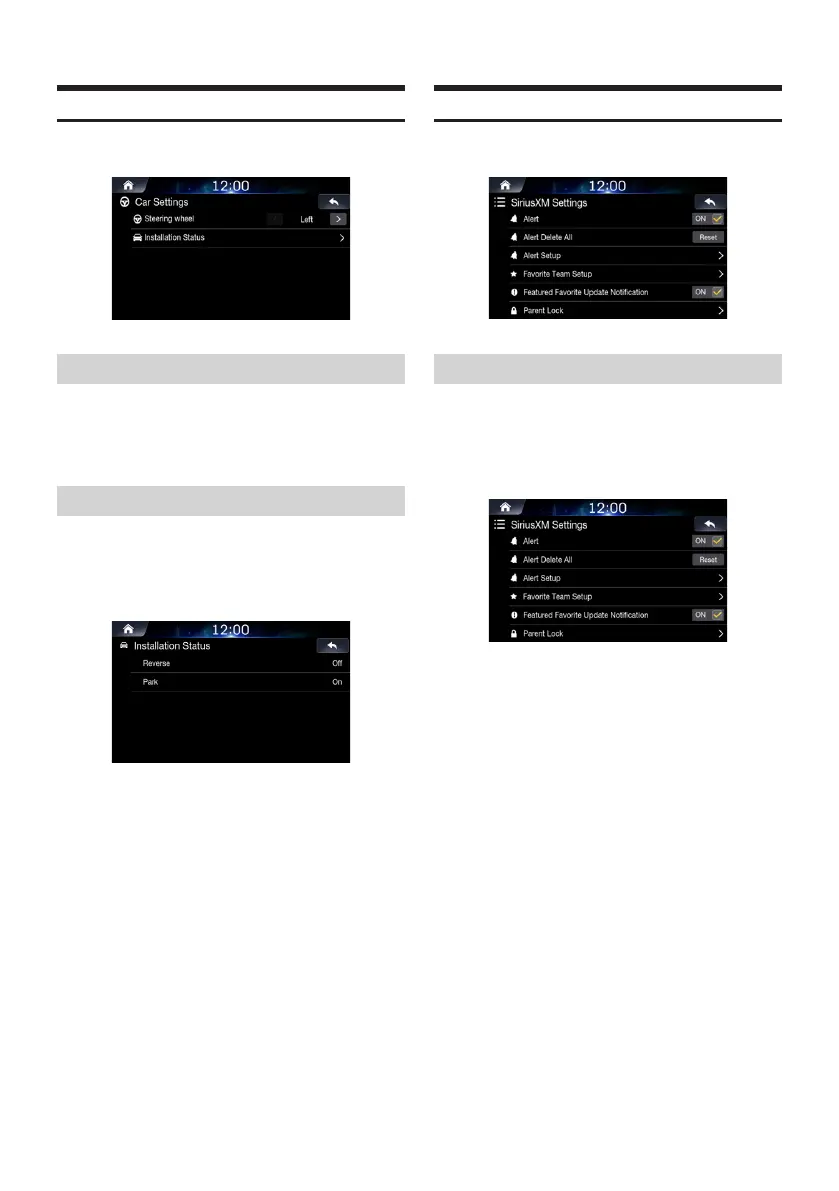
Car Settings
In the Setup screen, touch [Car].
Setting Steering Wheel
Set this item when Apple CarPlay is used.
This setting influences Apple CarPlay mode.
Select the desired option from Left and Right.
Setting Installation Status
Installation Status enables you to check the connection status of
Reverse Lead/Parking Brake Lead.
In the Car Settings screen, touch [Installation Status].
SiriusXM Settings
In the Setup screen, touch [SiriusXM].
Setting All Alerts On/Off
This menu option allows you to temporarily disable all alerts.
Uncheck the [On] box of Alert to disable the
alerts.
Check the [Off] box to enable the alerts.













 To Next Page