79
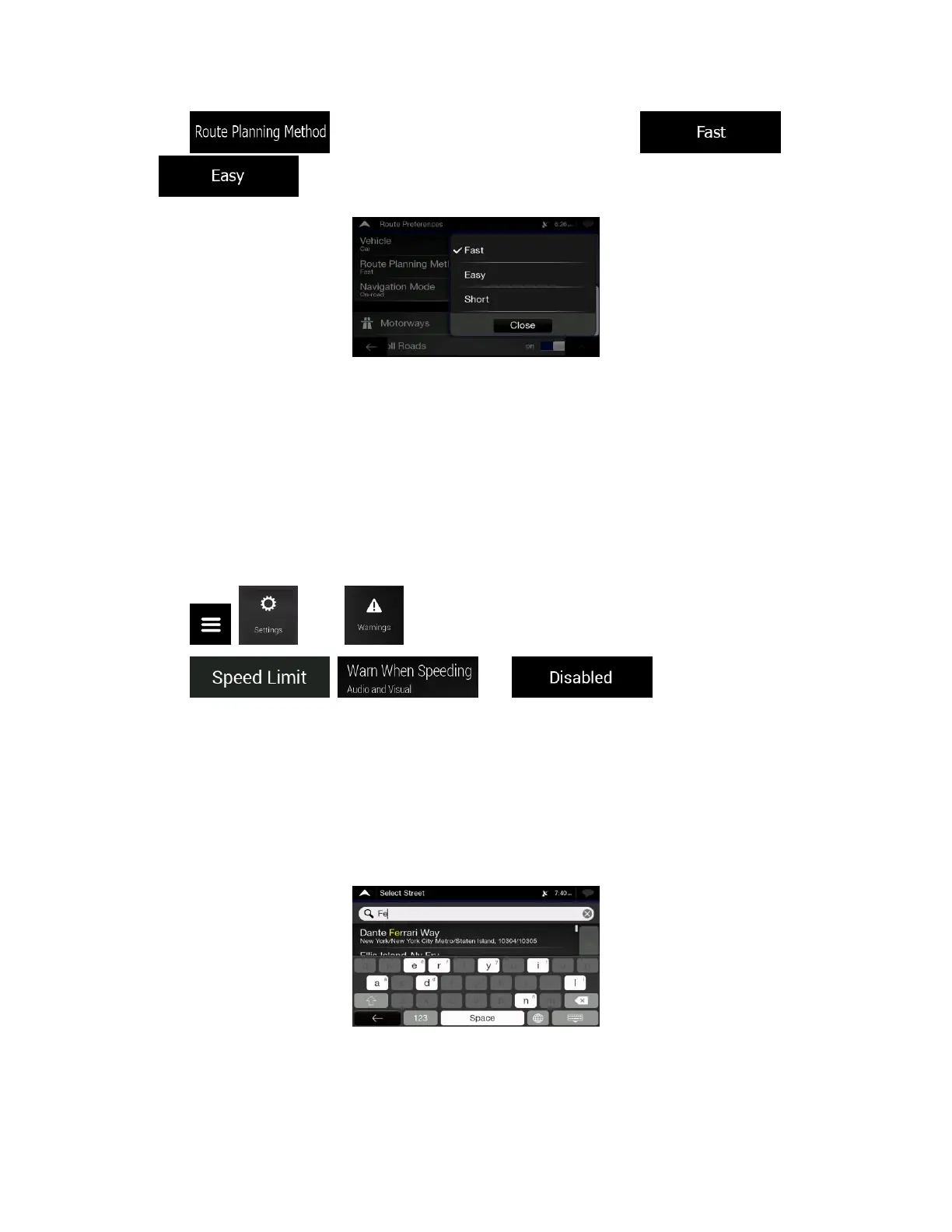
2. Tap and select your preferred route, for example or
.
6.4 Disabling the speed limit warning
Issue: The speed limit warning is signalling even when the actual speed limit is kept.
Cause: The speed limit in the digital map data might differ from the actual speed limit of your current
location.
Solution: Disable the speed warning by performing the following steps:
1. Tap , , and . .
2. Tap , and .
6.5 Keyboard buttons are greyed out
Issue: Some keyboard buttons are greyed out and cannot be used.
Cause: Alpine navigation has a smart keyboard for address search, which means that only those buttons
are active that can be used to type a name that is available on the map.
Solution: Check if you entered the name correctly. If the name is correct, then the address you are
looking for is not available in the digital map data.













 To Next Page