58
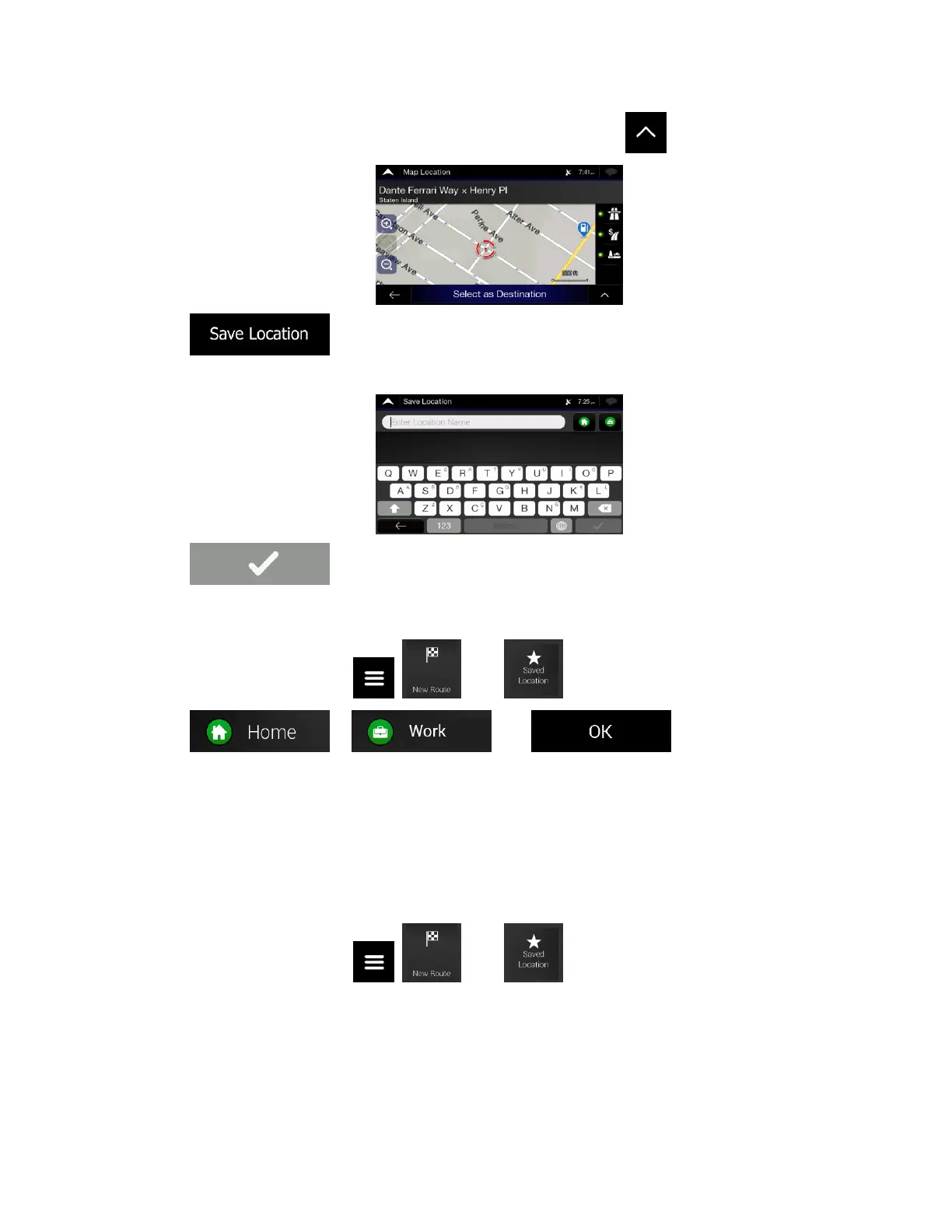
2. When the map appears with the selected location in the middle, tap .
3. Tap .
4. (optional) Using the keyboard, you can change the name offered for the Saved Location.
5. Tap to save the location.
To add your home and work address to the saved locations, perform the following steps:
1. On the Navigation view, tap , , and .
2. Tap or . Tap to confirm your
selection.
3. You can search for the address as described on page 24.
Planning a route to one of the saved locations is described on page 43.
3.4.1 Editing a saved location
To edit a location that you have already added as a Saved Location, perform the following steps:
1. On the Navigation view, tap , , and .













 To Next Page