19
-EN
Listening to FM/AM Radio
Press the All Menus button
→
touch [Radio].
Or In the Home screen, touch [All Menus]
→
[Radio].
Press the desired band tab.
Press and select the desired tuning mode.
• DX Seek: both strong and weak broadcasts will be tuned in.
• Manual: the frequency is manually tuned in steps.
• Preset: directly switches preset broadcasts.
Press or and change the desired
Broadcast.
Selecting Radio Broadcast
■
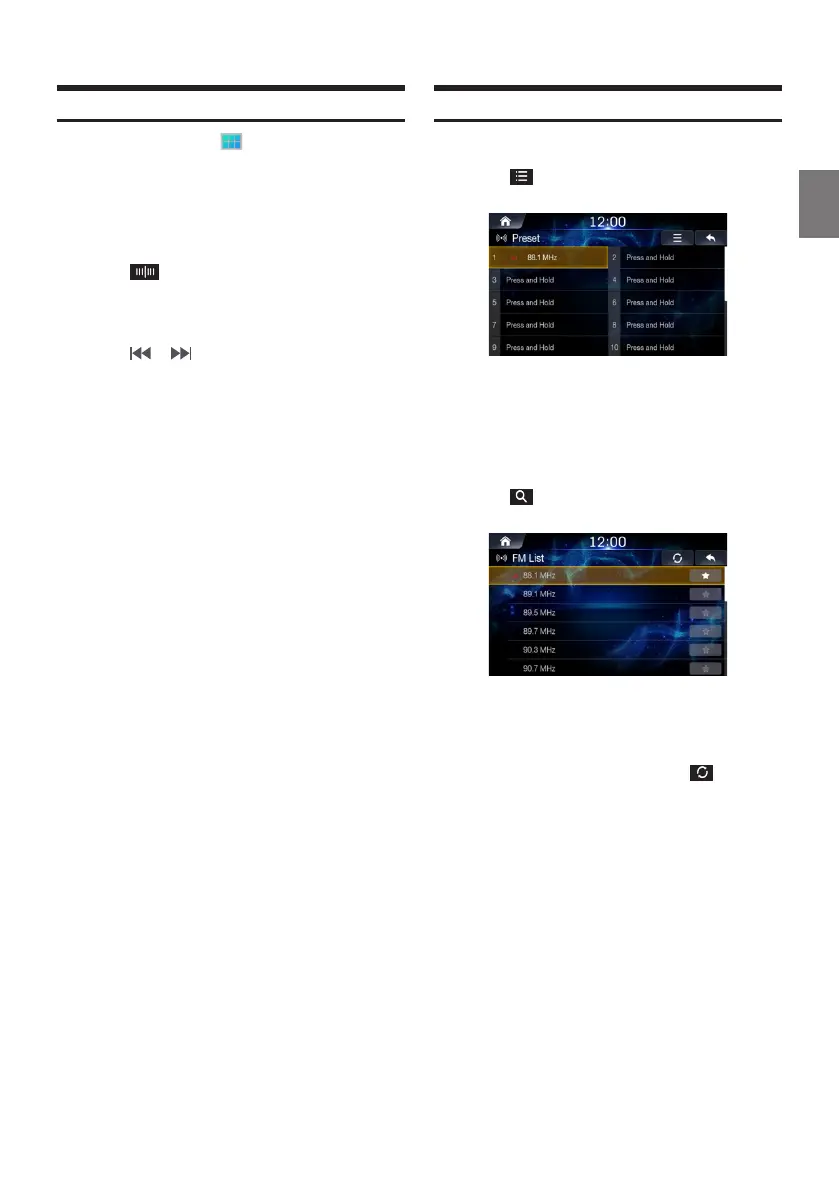
Selecting Broadcasts from Presets
Touch .
From the presets, select the Broadcast you want
to listen to.
■
Selecting Broadcast from List
Touch .
From the lists, select the frequency you want to
listen to.
FM/AM lists are manually updated by pressing .













 To Next Page