60
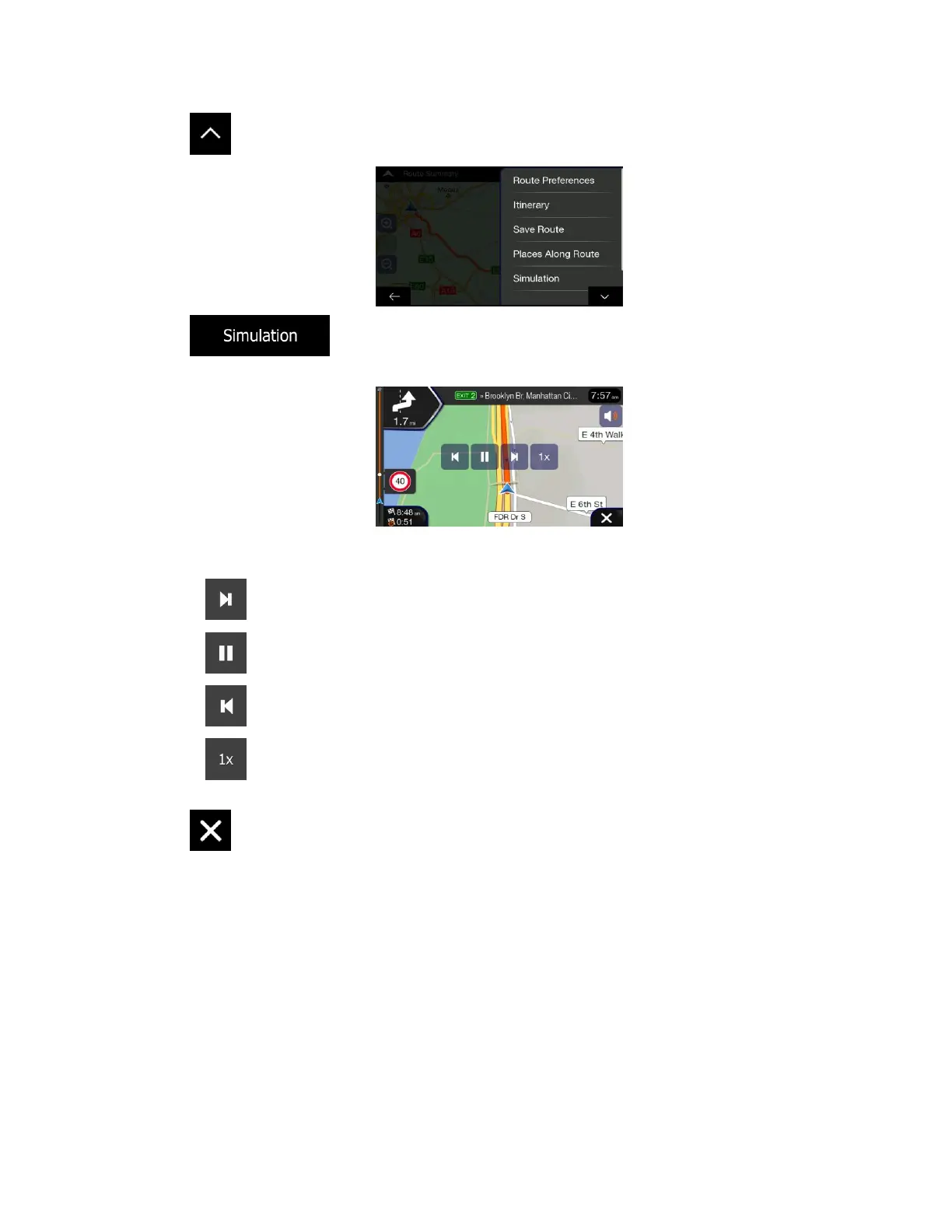
3. Tap .
4. Tap . The simulation starts from the starting point of the route and leads you
through the whole planned route using a realistic speed.
(optional) You have the following controls during the simulation (the control buttons disappear after
a few seconds but you can open them again if you tap the map):
• : Jump to the next route event (maneuver).
• : Pause the simulation.
• : Jump to the previous route event (maneuver).
• : Tap to increase the speed of the simulation to 4, 8 or 16 times faster. Tap again to
return to normal speed.
5. Tap to stop the simulation.
3.6 Off-road navigation
When first started, Alpine navigation calculates routes using the road network of the maps provided with
the product. If you want to disregard roads during navigation, you can switch to off-road mode, for
example when driving in a desert.
3.6.1 Switching to off-road navigation
To switch to off-road navigation, perform the following steps:













 To Next Page