8
-EN
Key Features
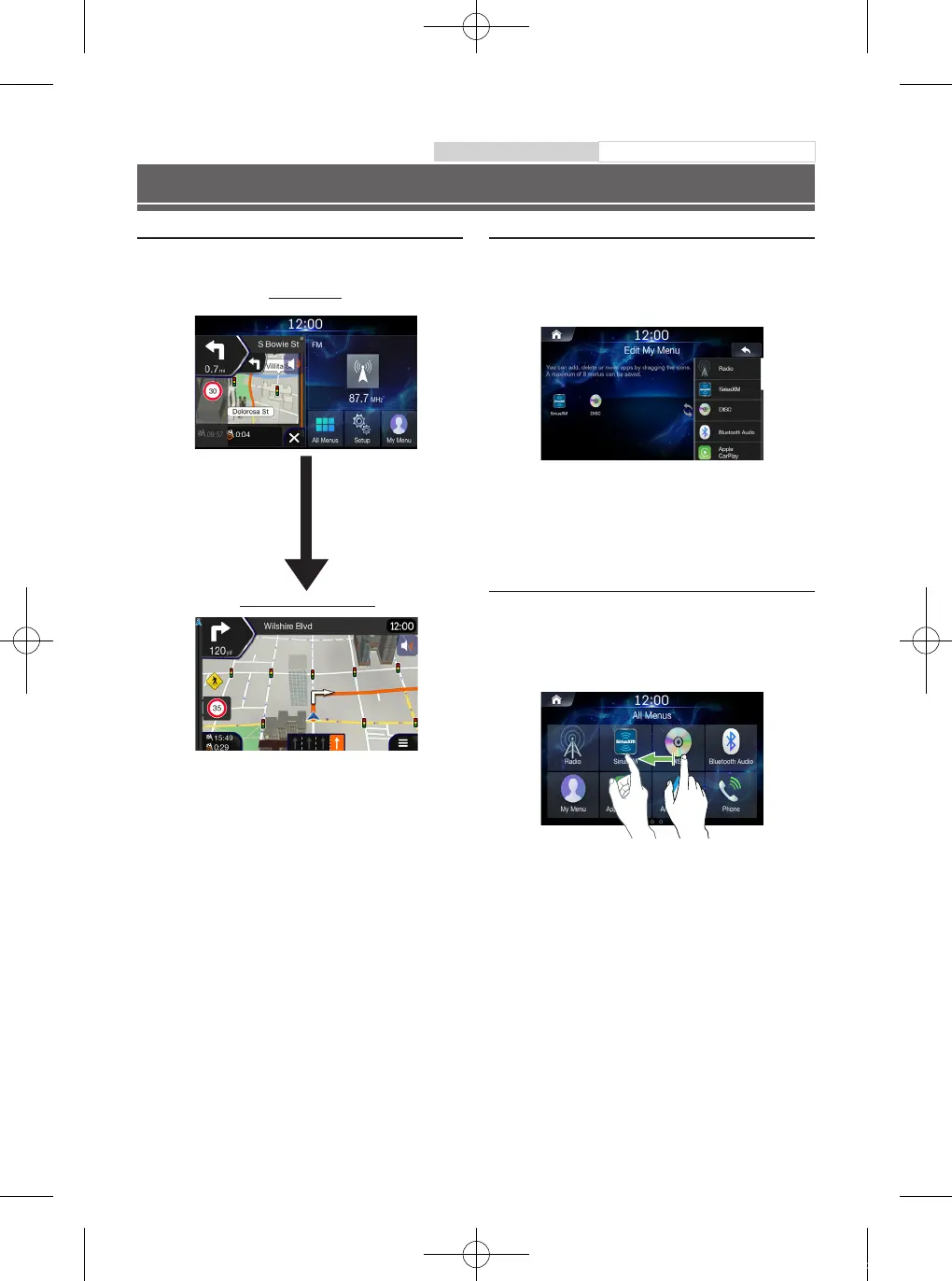
About Dual Screen
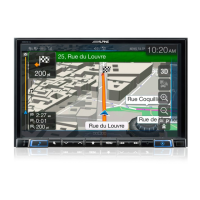
Dual Screen allows you to display the Navigation and Audio/Visual
screens simultaneously.
Touch left side of dual screen
Navigation Full Screen
Dual Screen
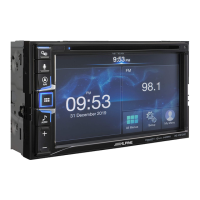
My Menu
Frequently used functions such as the Audio or Navigation mode
can be easily recalled by adding them to the My Menu screen. For
details, see “My Menu Function”
■
My Menu Screen Example
• Frequently used functions and useful functions can be customized
for your convenience.
• You can register up to 8 menus.
• You cannot add the same feature more than once.
Swiping the Touch Screen
You can change a screen or a page by swiping the touchscreen
vertically or horizontally with your finger. For details, see "Touch
Screen Operation".
Swipe the display with your finger lightly.
Owner’s manual Favourite Function
ALPINE_QRG_AM_ENG_191027.indd 8 2019-10-27 오후 9:33:38





 To Next Page