46
4. Select a route and the Multipoint Route screen appears. If necessary, modify the saved route.
Otherwise, tap .
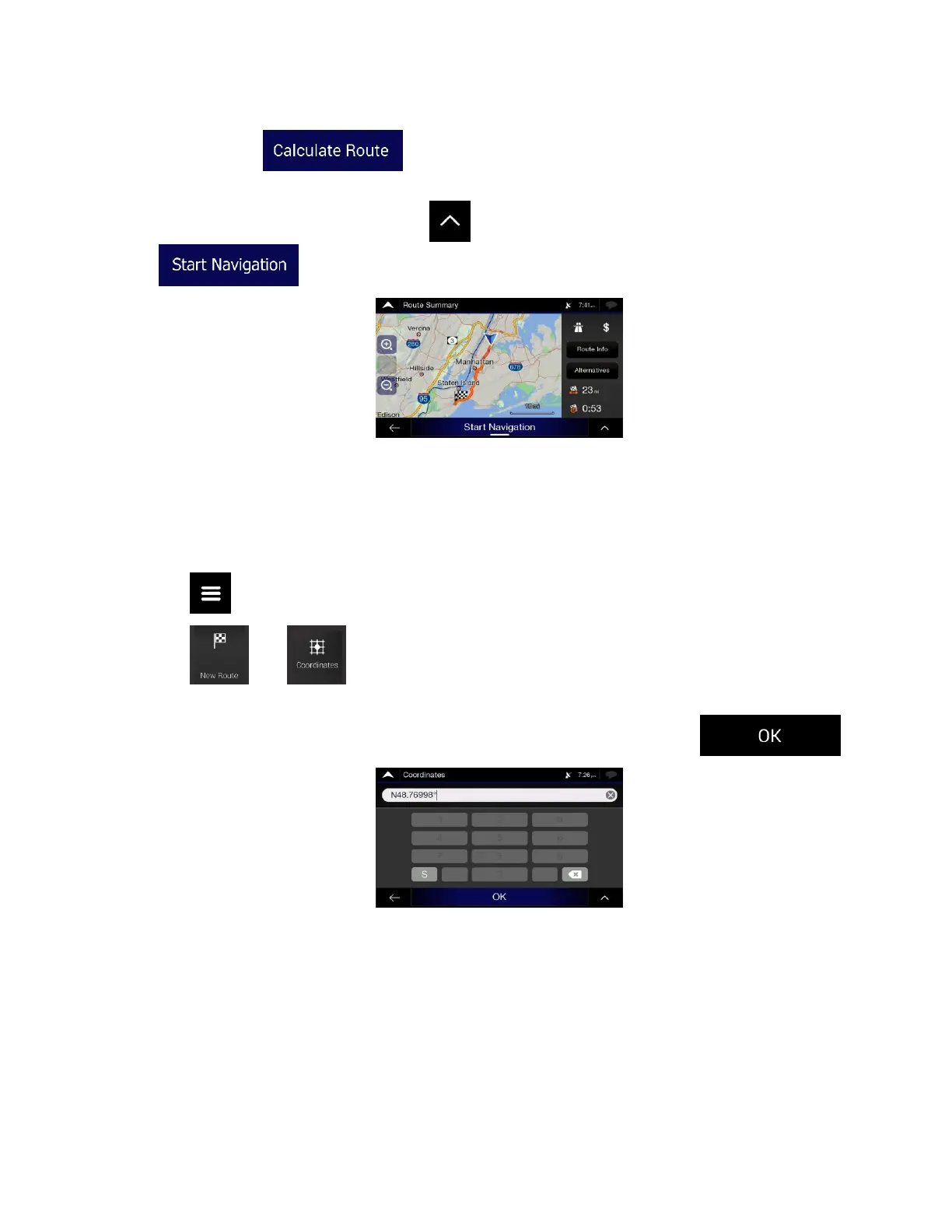
5. The route is calculated and the map appears showing the entire route, where you can check route
information and route alternatives. Tap to modify the route parameters, or tap
to start your journey.
3.1.7 Entering coordinates
To select a destination by entering its coordinates, perform the following steps:
1. Tap on the Navigation view to access the Navigation menu.
2. Tap and .
3. You can enter the latitude and longitude values in any of the following formats: decimal degrees,
degrees and decimal minutes, or degrees, minutes and decimal seconds. Tap .













 To Next Page