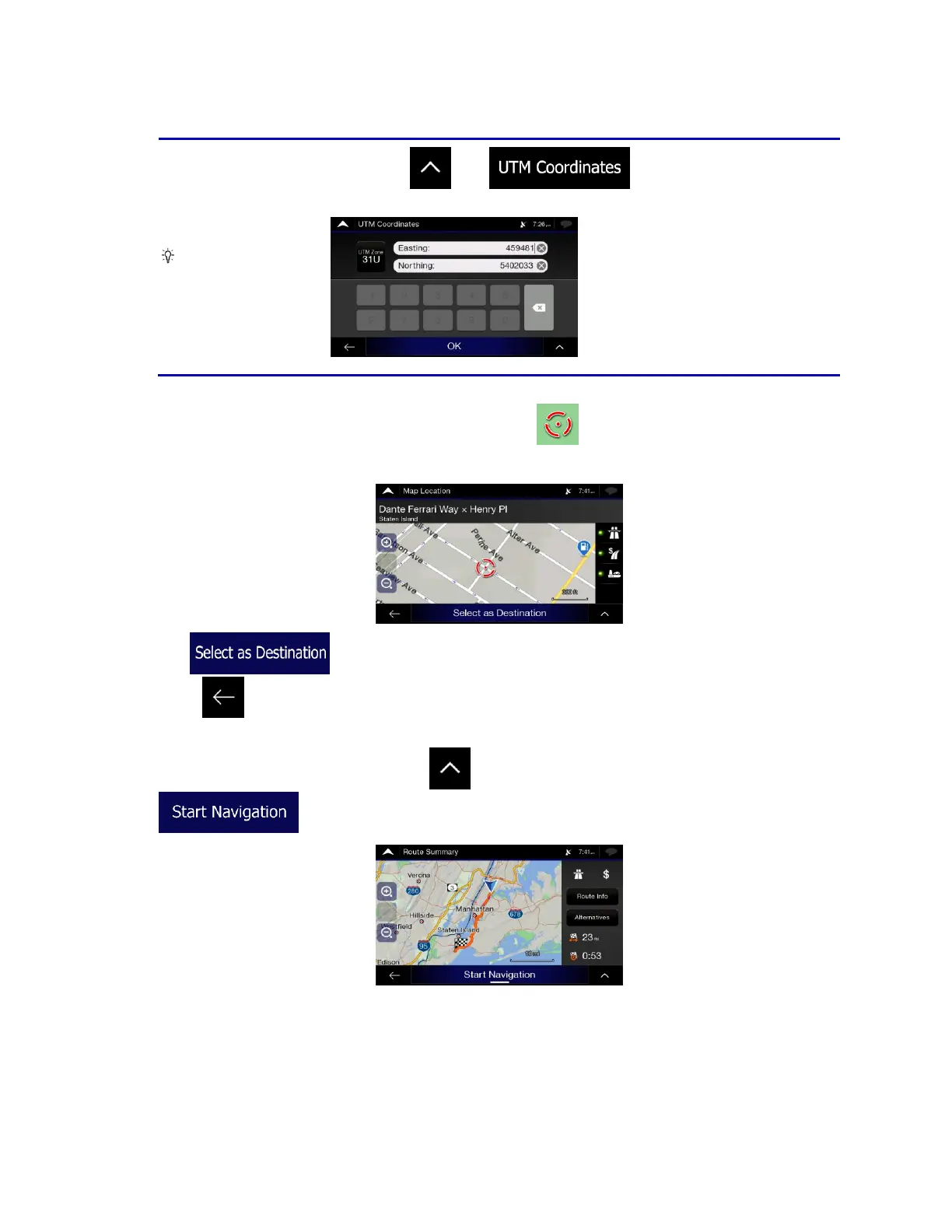
4. A full screen map appears with the selected point in the middle. If necessary, tap the map
somewhere else to modify the destination. The cursor ( ) appears at the new location.
5. Check the settings for road types and change them if necessary.
6. Tap to confirm the destination. You can also select a nearby point on the map
or tap to select a different destination.
7. The route is calculated and the map appears showing the entire route, where you can check route
information and route alternatives. Tap to modify the route parameters, or tap
to start your journey.













 To Next Page