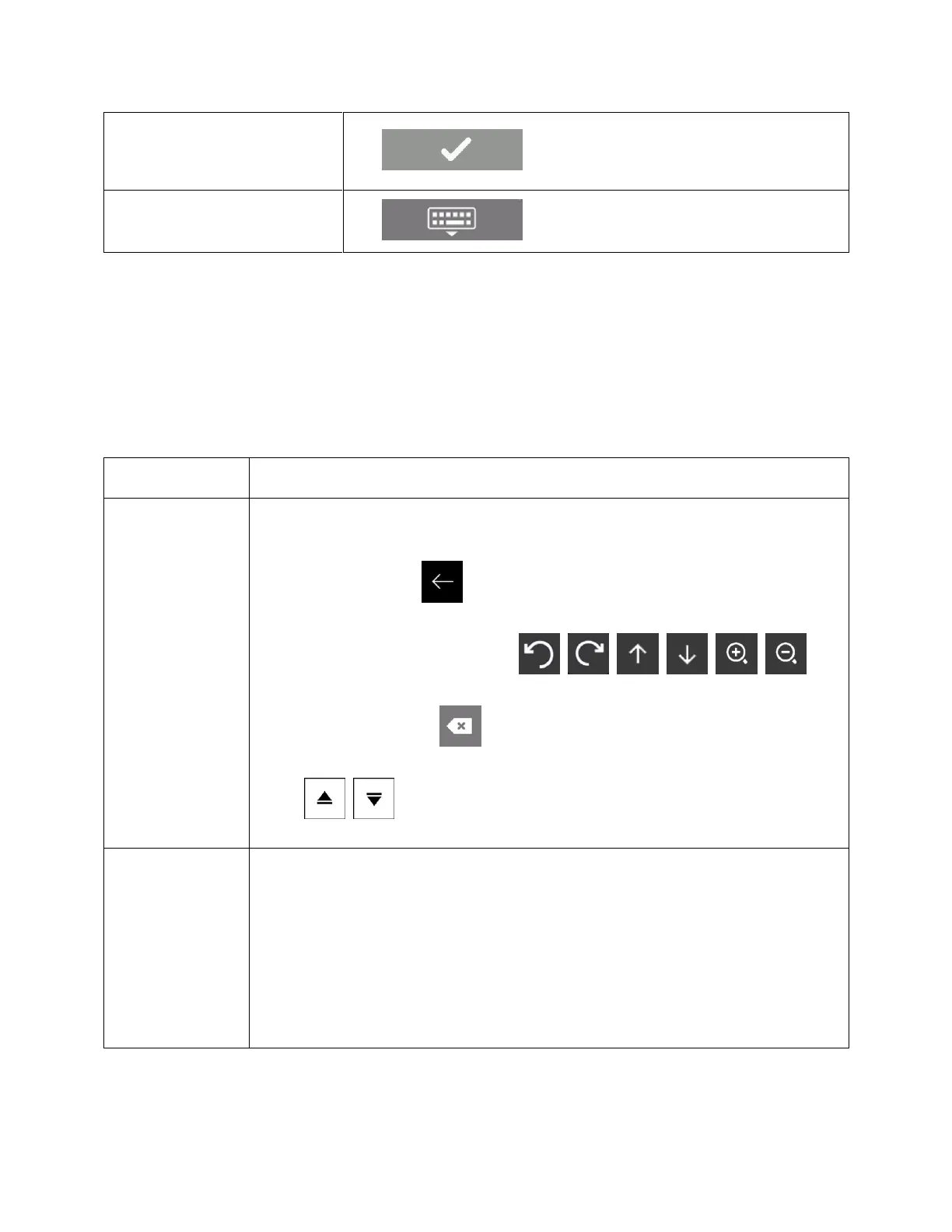
Finalizing the keyboard entry
1.2.4 Using touch gestures
You usually need to tap the screen only once. However, some useful features can be accessed with other
gestures. See the table below.
Tapping and
holding the screen
Tap and keep pressing the following buttons to reach extra functions:
• Tap and hold the following button on list and menu screens to show the
Navigation view: .
• Tap and hold any of the following buttons on the Navigation view to rotate, tilt,
or scale the map continuously: , , , , , .
• Tap and hold the following button on keyboard screens to quickly delete
several characters: .
• Tap and hold the following buttons in long lists to scroll pages continuously:
, .
Drag the screen in the following cases:
• To move the handle on a slider.
• To scroll a list: grab the list anywhere and slide your finger up or down.
Depending on the speed of the sliding, the list scrolls faster or slower, only a
bit or till the end.
• To move the map in map browsing mode: grab the map, and move it in the
desired direction.






 To Next Page