EasyManua.ls Logo

Alpine INE-W970HD - Running a Simulation

Alpine INE-W970HD
199 pages
Print Icon
To Next Page IconTo Next Page
To Previous Page IconTo Previous Page
Loading...
59
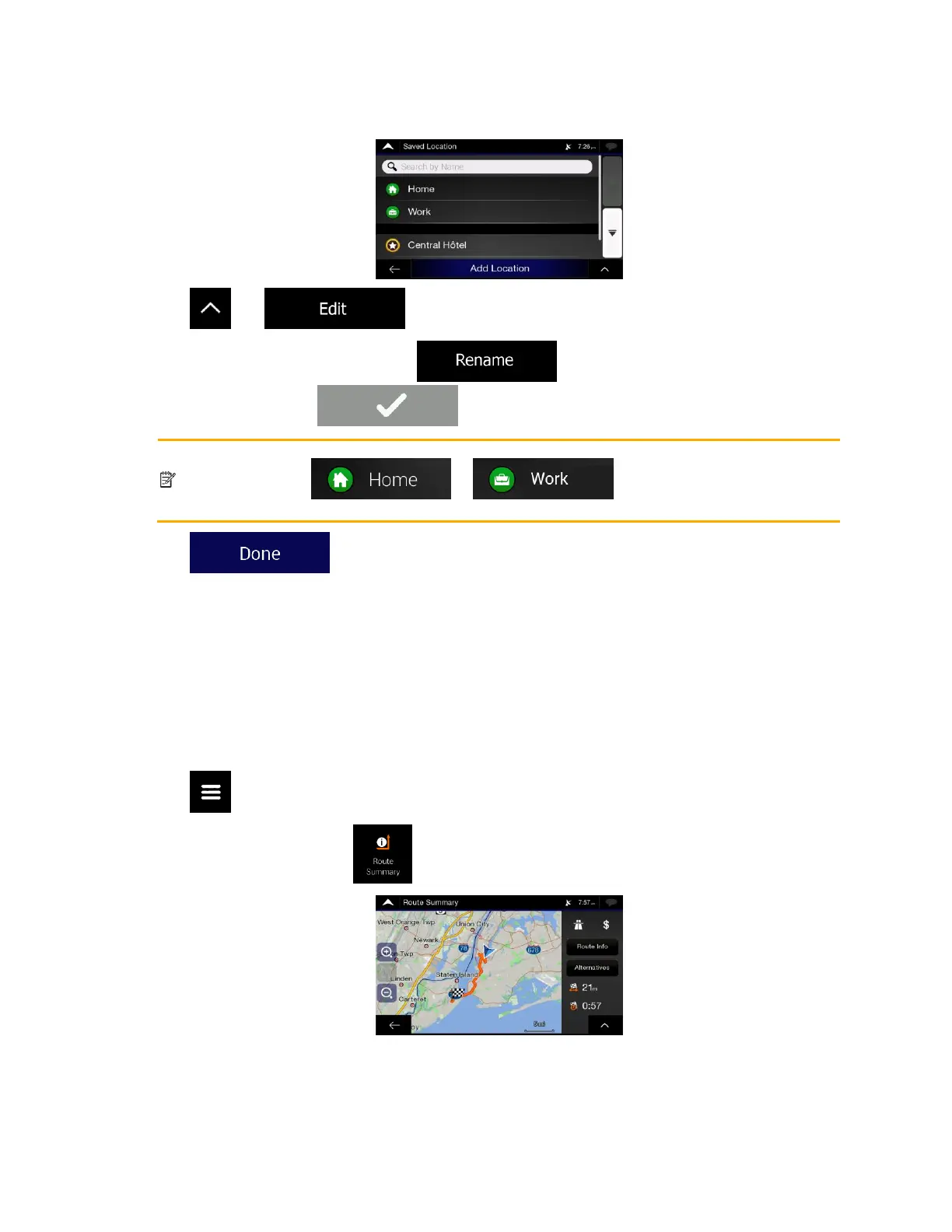
2. The list of Saved locations is displayed.
3. Tap and .
4. Tap the location you want to edit, tap and enter the name of the location on
the keyboard, then tap .
Note!
In Saved Locations, Home and Work cannot be renamed. To change your home or work
location, tap or , and confirm the address
change.
5. Tap .
Adding a location to the list of saved locations is described on page 57.
3.5 Running a Simulation
To run a simulated navigation that demonstrates the planned route, perform the following steps:
1. Tap on the Navigation view to access the Navigation menu.
2. In the Navigation menu, tap .

Table of Contents

Other manuals for Alpine INE-W970HD

Related product manuals