20
1.4 Navigation menu
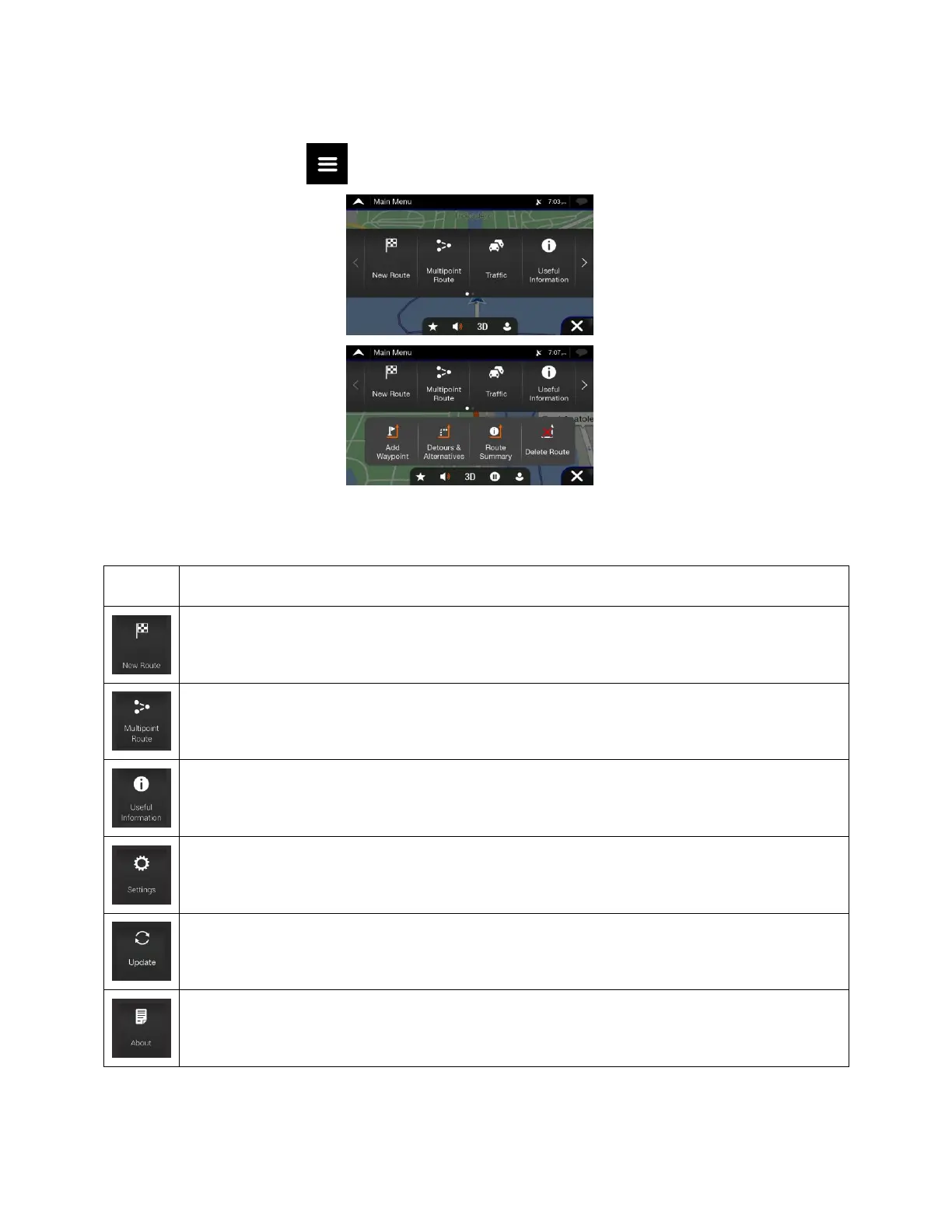
On the Navigation view, tap to open the Navigation menu.
You can see the following menu options when you are navigating without a planned route:
Select your destination by entering an address or its coordinates, or by selecting a Place, a
Saved Location, or a Saved Route. You can also look up your recent destinations from the
History.
Build your route from one or more route points. You can also plan a route independently of
your current GPS position by setting a new starting point.
Access additional options and check navigation-related information.
Customise the way the navigation software works.
You can access the latest free map or software updates here.
The About section provides you with product information. Read the Software and Database
End User License Agreement, or check the map and other contents of the application. You can
also access program usage statistics.
With a planned route, the following menu options are also available:













 To Next Page