43
3.1.4 Selecting a Saved Location
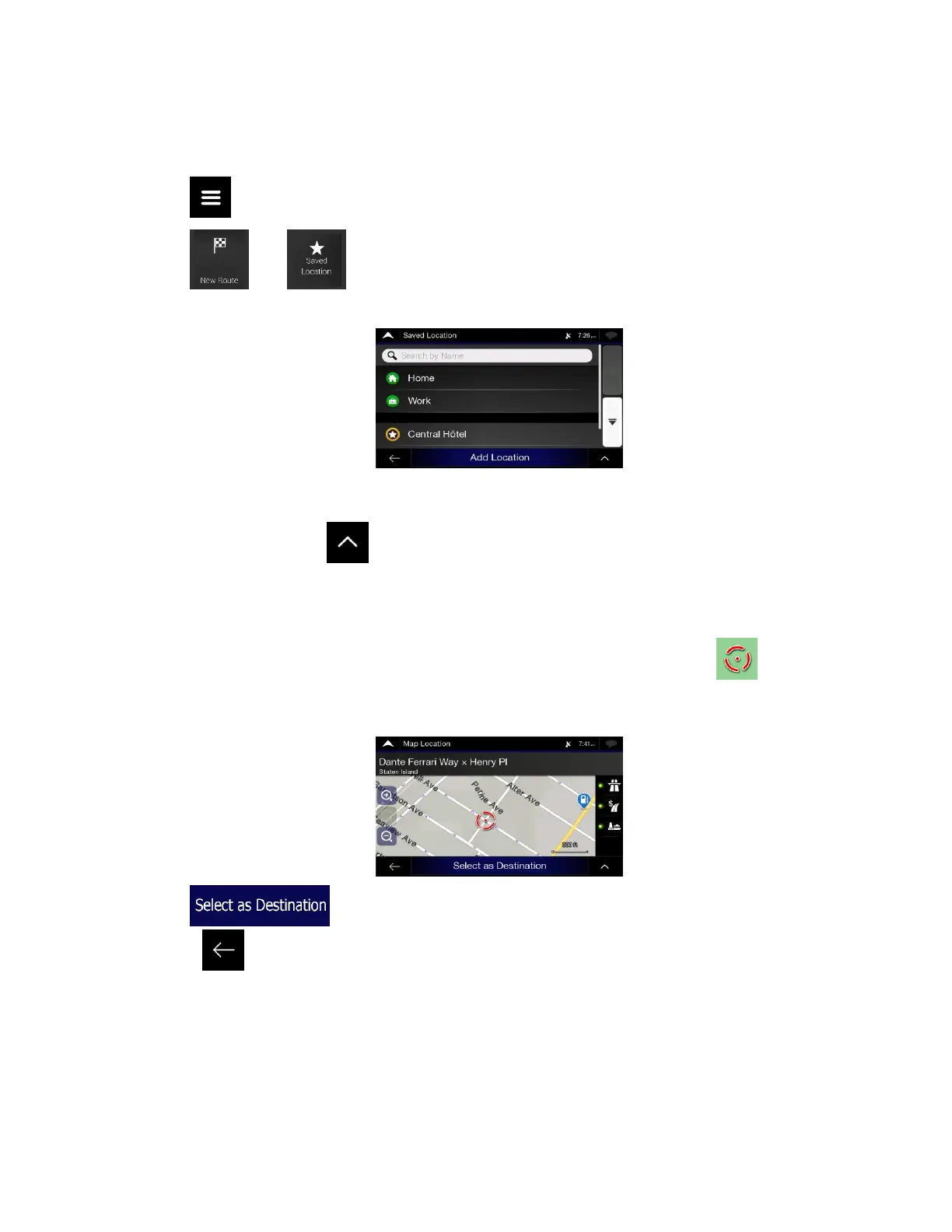
To select a location that you have already saved (page 57), perform the following steps:
1. Tap on the Navigation view to access the Navigation menu.
2. Tap and .
3. The list of saved locations is displayed. It contains two pre-set categories: Home and Work.
4. Tap the location that you want to set as your destination. If necessary, browse the list to see more
results.
5. (optional) If needed, tap to enable the editing option so that you can rename the saved
locations or delete any of them.
6. After you have selected a saved location as the destination, a full screen map appears with the
selected point in the middle.
7. If necessary, tap the map somewhere else to modify the destination. The cursor ( ) appears in
the new location.
8. Check the settings for road types and change them if necessary.
9. Tap to confirm the destination. You can also select a nearby point on the map
or tap to select a different destination.













 To Next Page