30
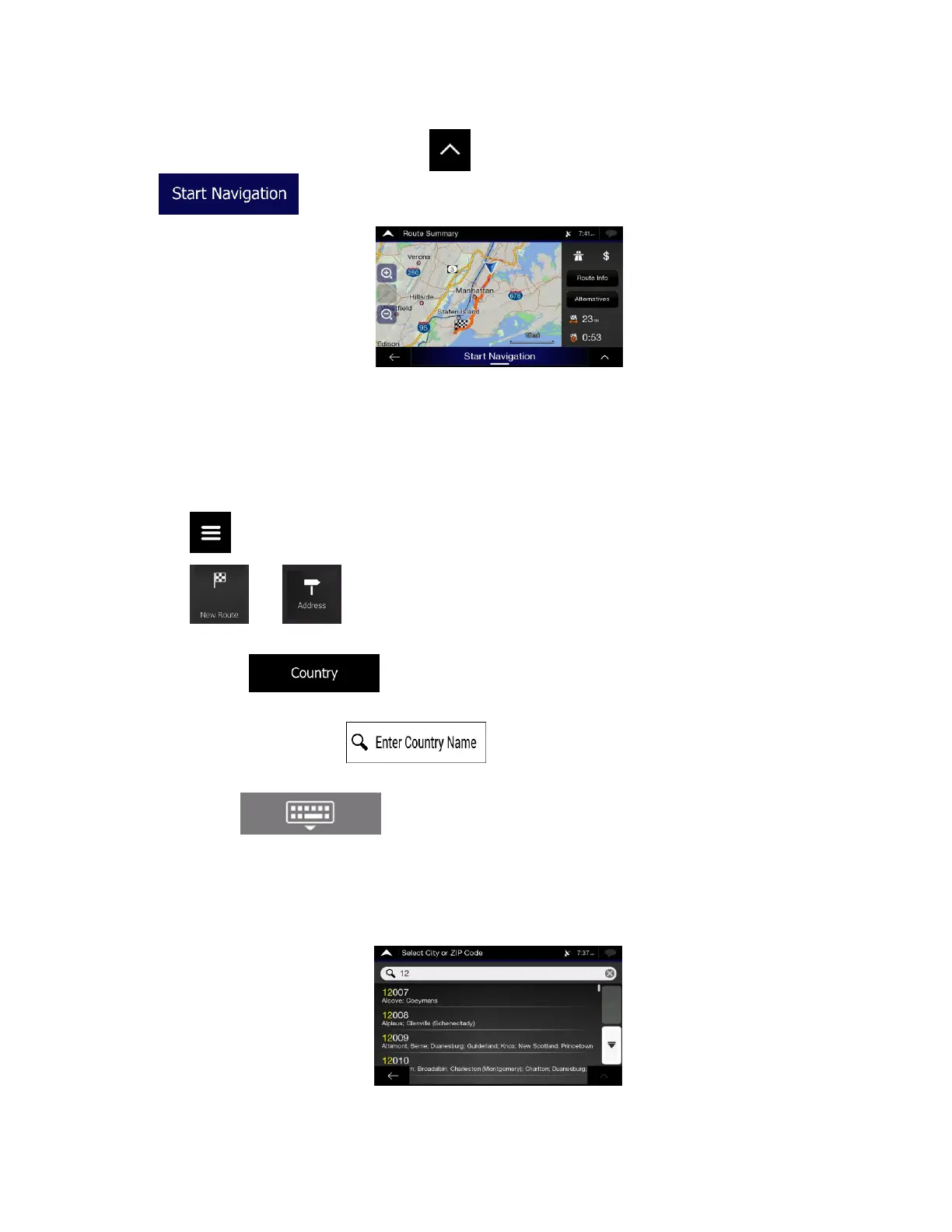
9. The route is calculated and the map appears showing the entire route, where you can check route
information and route alternatives. Tap to modify the route parameters, or tap
to start your journey.
3.1.2.2 Entering an address starting with the street name
After you have selected the country and state, you can leave the city or ZIP code field empty and start the
search with the street name. This way you can search in all streets of a state. If you select the country
without a state, this function cannot work.
1. Tap on the Navigation view to access the Navigation menu.
2. Tap and .
3. By default, Alpine navigation proposes the country and state where you are. If needed, change the
country. Tap .
a. In the Select Country screen, you can immediately select a country from the list below the
input field or tap the button and start entering the first few letters of the
country on the keyboard.
b. Tap to open the list of results and select one country from the list.
4. If needed, select a new city.
a. Tap the City or ZIP code field.
b. (optional) In the Select City or ZIP code screen, you can immediately select a city from the
list of suggestions.













 To Next Page