15
-EN
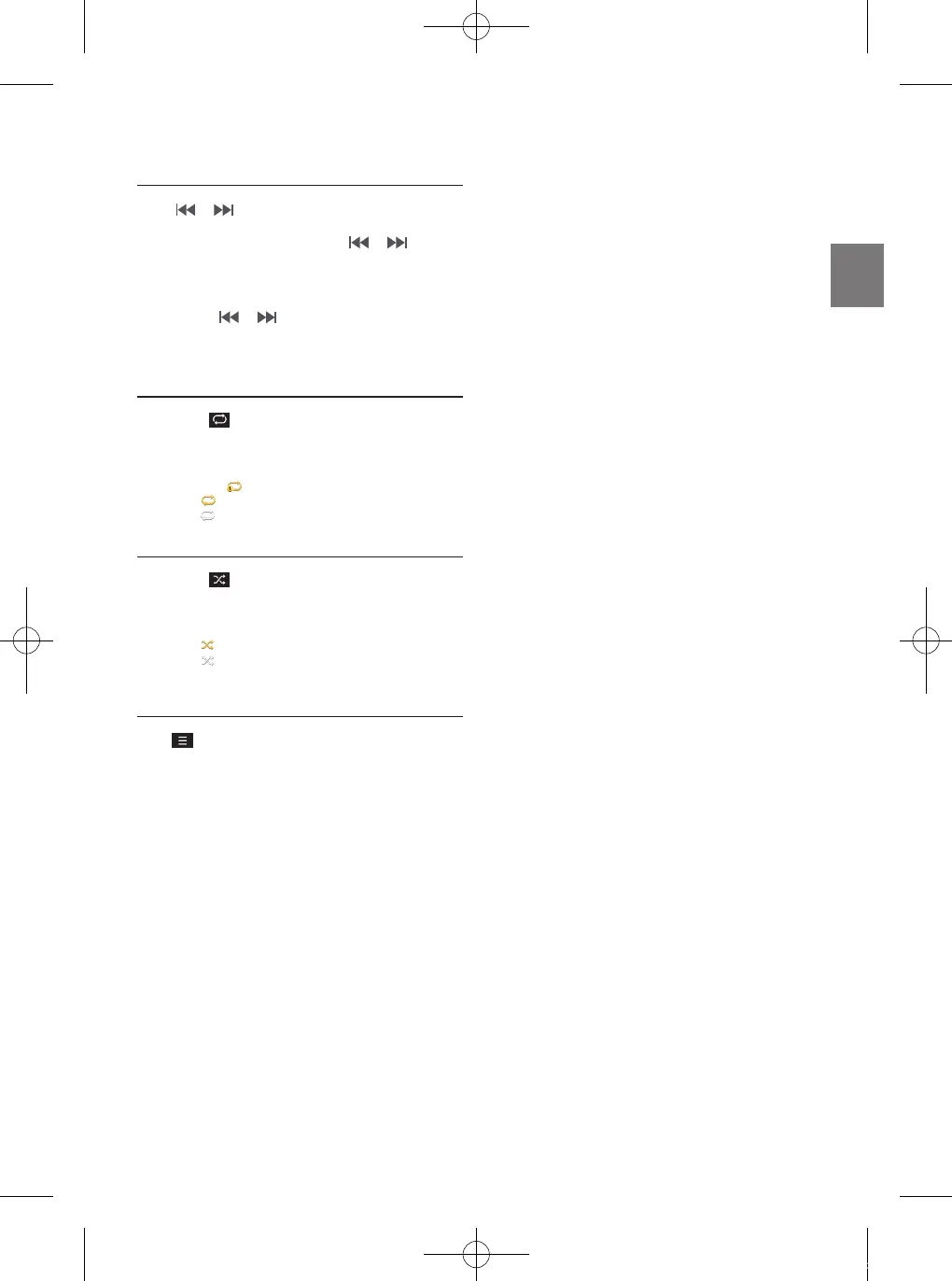
Fast-forwarding or Rewinding File
Using or .
1
While playing, touch and hold or .
Touch and hold for more than 1 second to rewind or fast-
forward at 4x speed. Keep touching to switch the speed to
20x.
2
Release or to play the track at normal
speed.
Repeat
1
Touch .
Each time the button is touched, the mode is changed.
2
Select the desired mode.
• One File : repeats play of currently playing file.
• On : repeats all the files in the Bluetooth Audio.
• Off : turns the Repeat feature off.
Shuffle
1
Touch .
Each time the button is touched, the mode is changed.
2
Select the desired mode.
• On : plays files in the current category in random order.
• Off : turns the shuffle feature off.
Sound Settings
Touch
→
[Sound Settings].
ALPINE_QRG_AM_ENG_191027.indd 15 2019-10-27 오후 9:33:41






 To Next Page