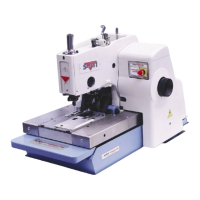
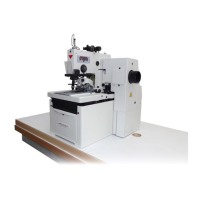
1-30
S-4000
Revised 01/2005
e-mail: service@amfreece.cz; parts@amfreece.cz; website: www.amfreece.com
Phones: +420 582 309 146 (Service), +420 582 309 286 (Spare Parts); Fax: +420 582 360 606
****Toggle Switches - switches are adjusted by the software
TRIM ON - Remains activated for all S-4000 sewing operations. Determines when the knife activates.
When the setting is tm, time delay, the amount of time is set with the knife parameter, on the previous page.
When the is STOP set, the knife is activated as soon as the machine stops sewing.
Range: After st/tm (After stop or after time delay)
Steps: 1
Default Setting: st
STOP PWR - The amount of braking power applied to the motor during the motor stopping.
Range: Full/Half
Steps: 1
Default Setting: Full
EMERGENCY STOP - When the “closed” is set, by pushing the Emergency stop button, the machine
stops. When the “opened” is set, the Emergency stop button works in reverse regime.
OPENED / CLOSED
CLOSED - connected to the opening contacts of the button
OPENED - connected to the closing contacts of the button
LCD DISPLAY PROGRAMMING



 To Next Page