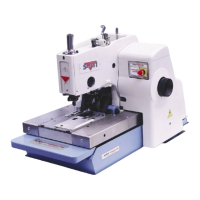
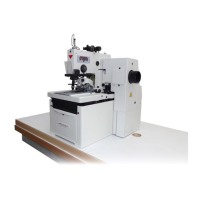
S-4000
1-31
Revised 01/2005
e-mail: service@amfreece.cz; parts@amfreece.cz; website: www.amfreece.com
Phones: +420 582 309 146 (Service), +420 582 309 286 (Spare Parts); Fax: +420 582 360 606
LCD DISPLAY PROGRAMMING
Built - In Test Programs
Input Test
To enter to the test programs, push
and SBT buttons until “SYSTEM TEST” is appeared on the
display (in case the Emergency stop button is not pushed).
After several seconds the display will change to “-9- EMERG.STOP”. Push the EMERGENCY STOP
button and on the display appears “TEST INPUTS”.
Program TEST INPUTS is able to test main inputs functions and motor en-encoder.
When you push following buttons and switches on the machine, on the display of the control panel appear
following textes:
This table is only for machines S4000 (BH, ISBH, ISBH+I, TKF, LS)
Stopping sensor -1-EOC-SENSOR (approach to the sensor with the metallic part)
Draw off sensor -2-TEN.REL.SENS (approach to the sensor with the metallic part, only for
machine S4000 BH)
Pedal - first position -4-CLAMP DOWN
Pedal - second position -5-START
Reference point -6-REFERENCE (reference point appears, when turn the handwheel in
position, when needle raises from throat plate after first stitch)
Emergency stop button -9-EMERG.STOP
Button for clamp feet -10-TOOG. CLAMP
Machine S 4000 CAED - when you enter to the test programs, on the display appears -7-OPTIC
SENSOR. When you want to continue in these tests, overshadow the optic fiber by the piece of fabric.
When you overshadow the optic fiber, on the display appears -9-EMERG.STOP. Push it and then you can
continue with testing.



 To Next Page