1-32
S-4000
Revised 01/2005
e-mail: service@amfreece.cz; parts@amfreece.cz; website: www.amfreece.com
Phones: +420 582 309 146 (Service), +420 582 309 286 (Spare Parts); Fax: +420 582 360 606
LCD DISPLAY PROGRAMMING
Output Test
When you push
on the display of the control panel appears “TEST OUTPUTS.”
Program TEST OUTPUTS is able to test main output functions and motor.
Note: Before testing check, if the air supply is connected to the machine.
When you push following buttons, on the display of the control panel will appear following textes:
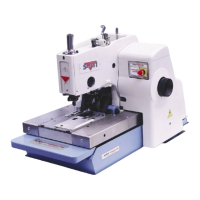
This table is for machines S4000 (BH, ISBH, ISBH+I, TKF, LS)
When you push button, on the display will appear -0-EMERG.STOP
- the red LED lights
When you push button, on the display will appear -1-CLAMP
- the clamps go down
When you push button, on the display will appear -2-KNIFE
- knife is activated
When you push SBT button, on the display will appear -3-THREAD TRIM
- pick-up hook is activated
When you push EBT button, on the display will appear -4-TENSION REL.
- bowls of the draw off are activated
When you push SET button, on the display will appear -5-WIPER/BLOWER
- this function in not used on the machine
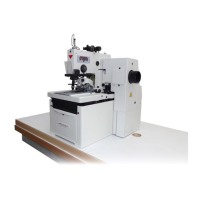
For machine is available the following ( only diferences):
When you push button, on the display will appear -2-KNIFE/PUNCH
- knife is activated
When you push EBT button, on the display will appear -4-AIR BLOW
- the clamp plate shifts and air blow starts
When you push SET button, on the display will appear -5-CHANGE DIR.
- cylinder of the shifting mechanism starts shift
Note: It is possible to check the correct function of the electromagnetic valves, when you push orange
buttons, which are placed on the valves.



 To Next Page