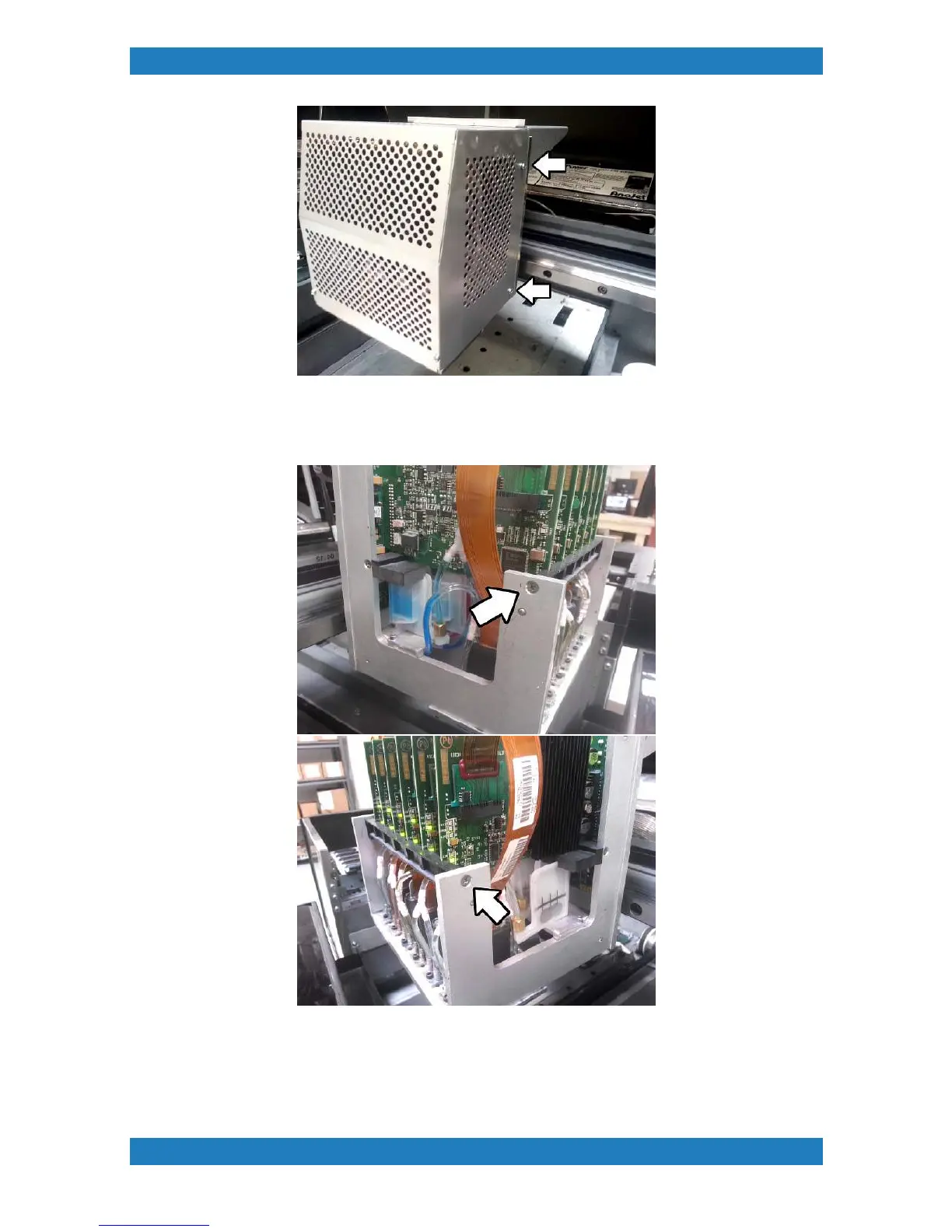
Photo 3.1.6
2. With the cage removed, we can now remove the board retainer in the front. The board retainer will have 2
phillip screws 1 on each side. See photo 3.1.7
Photo 3.1.7
3. We can now begin removing the print head boards. Very carefully disconnect the print head ribbon cables
from the print head boards. The printhead ribbon cable will have a small board. On the board you will see 2
tabs. It is very important that you remove the cable using these tabs. DO NOT PULL ON THE CABLE.
Remove all boards. See photo 3.1.8



 To Next Page