get any moisture, ink, or cleaning fluid on the boards.
Follow these steps in backwards to reassemble your carriage.
3.5 Print head Replacement
Tools Needed
o
Phillips Screwdriver
o
3/32 Hex key / Allen Key
o
Cutting Shears
o
Ricoh Gen 4 print head (P/N:150200-001)
Print heads can be clogged from improper care or no maintenance. Ink will settle and permanently dry in the
nozzles causing poor printing results or banding. If the print head is clogged we recommend replacing the
print head.
Begin by releasing your carriage. Once the carriage is release remove the print head cage.
Remove all print head boards from the carriage and remove the board retainer. see section 3.4
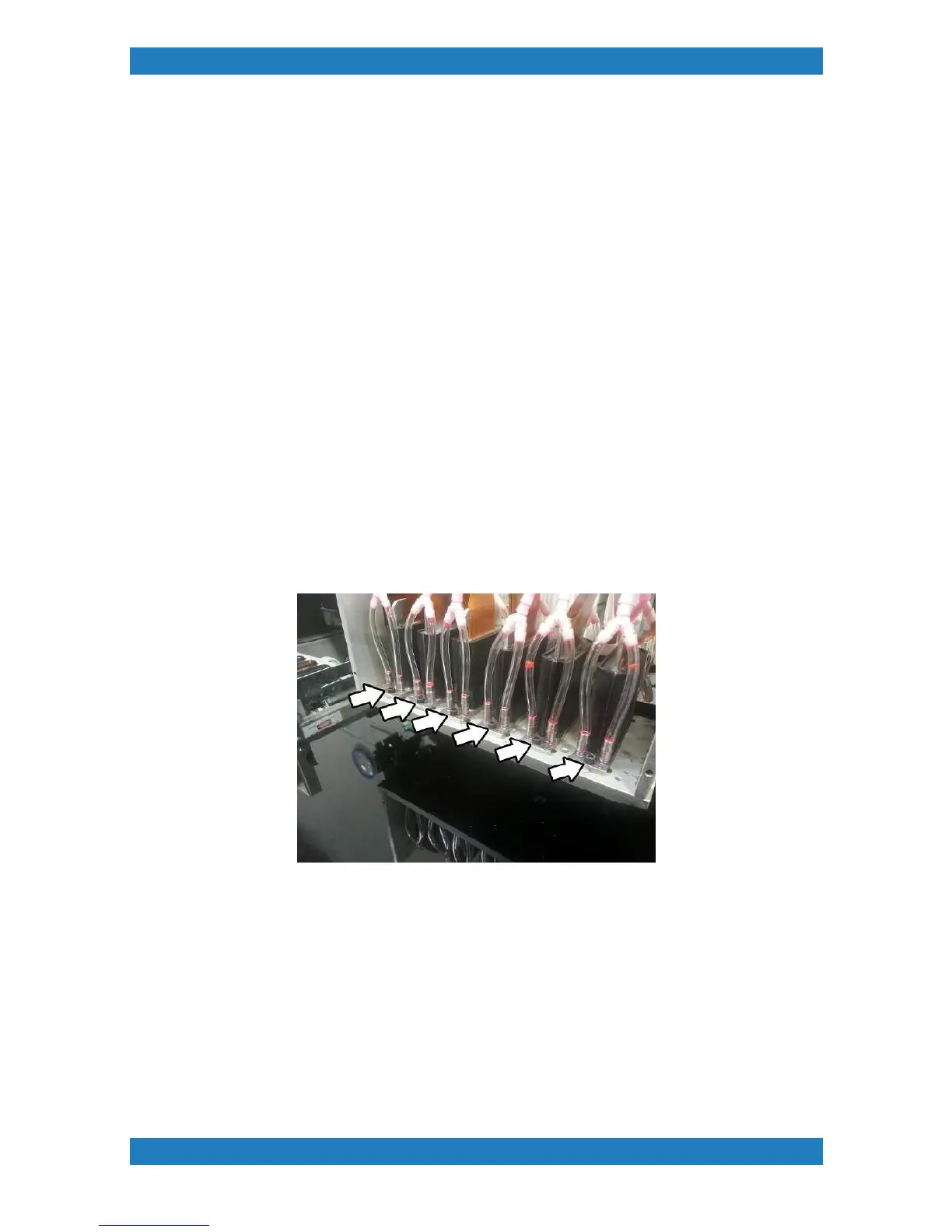
Each print head is held by 2 hex screw one in the front and one in the back. Use a 3/32 hex key to remove
the screws. See photo 3.5.1



 To Next Page