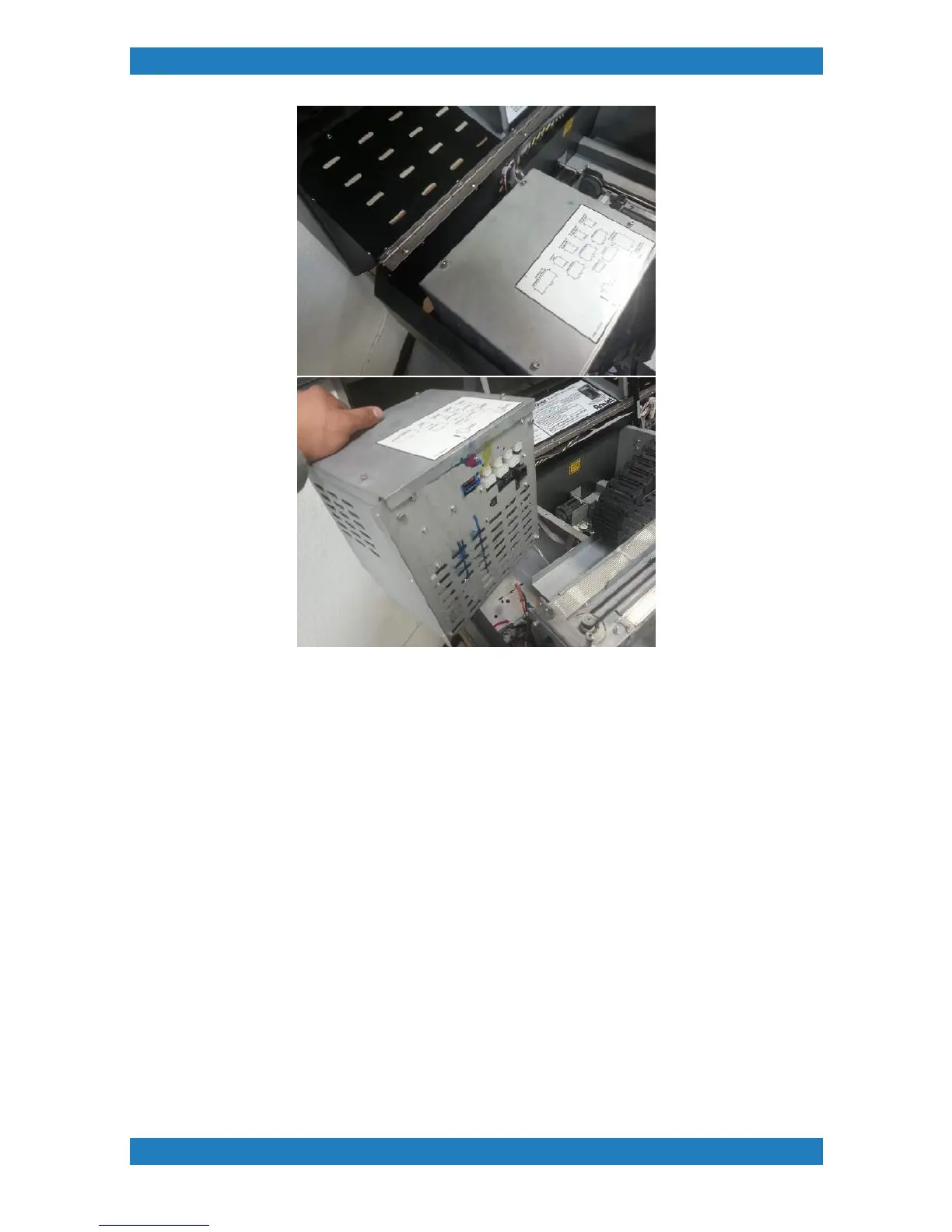
Photo 3.12.3
Replace your power supply box and follow these steps backwards to reassemble your power supply. On the
lid of the power supply you will see a diagram showing you where the cables connect back into.
3.13 Control Panel Assembly Replacement
Tools Needed
o
Phillips Screwdriver
o
Control Panel Replacement (MP5 Control panel P/N:150240-001) (MP10 Control Panel P/
N:150239-001)
Control panel can become damaged due to electrical surges or improper cable connections. A black screen,
bad buttons or bad usb/sd card connections are common symptoms of a damaged control panel.
1. The control panel is held by 2 phillip screws located on the inside of the front cover. See photo 3.13.1



 To Next Page