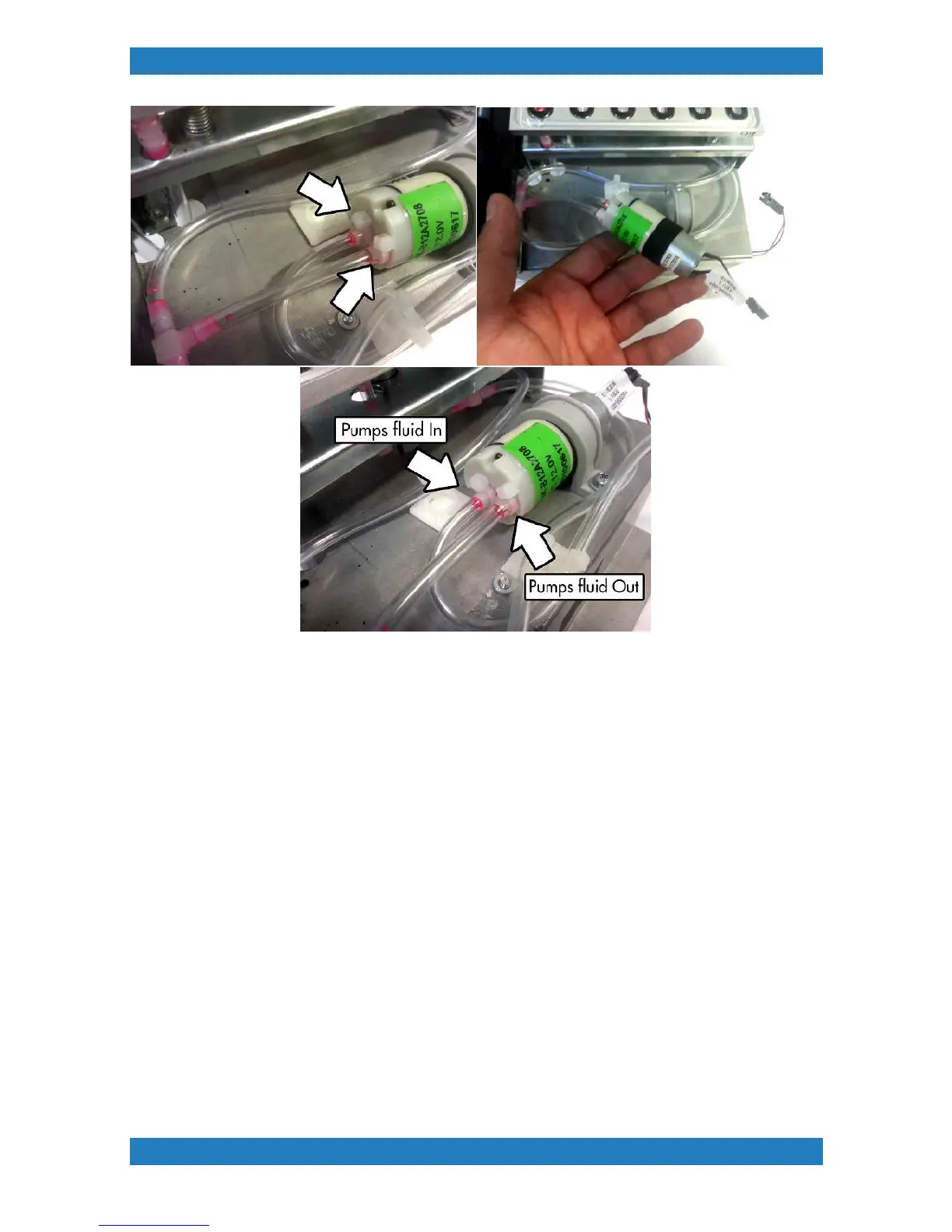
Photo 3.3.4
3.3.2 Maintenance Station Wiper Assembly Replacement
Tools Needed
o
Phillips Screwdriver
o
Wiper slider assembly (P/N:150600-001)
o
Wiper Gauge (P/N:150617-001)
1. Begin by releasing your carriage,and powering down your printer from the back switch.
(MENU>MAINTENANCE FUNCTIONS>CARRIAGE CONTROL>RELEASE CARRIAGE)
2. Remove the maintenance station see section 3.3.
3. Unplug the cable connecting to motor on the side. See photo 3.3.2-1



 To Next Page