are the belt specifications needed for the meter.
Mass (M) - 001.4 g/mm
With (W) - 009.0 mm/r
Span (S) - 0800 mm
The belt tension should be set to 23.5 to 25.5 N (84.5 - 91 ozf). Measurements should be made on the rear
portion of the belt with the carriage positioned at either end of the travel. Once we reached the desired tension
we can retighten the two hex bolts under the pulley to lock it in place.
2.2 Table Belt Tension
Tools Needed
o
Phillips Screw Driver
o
11/32 Ratchet Wrench
o
10/32 Allen Key / T-handle
o
Gates Belt Tension Meter or equivalent
1. Move the table to the home position by pressing the TABLE button (table should be inside the printer).
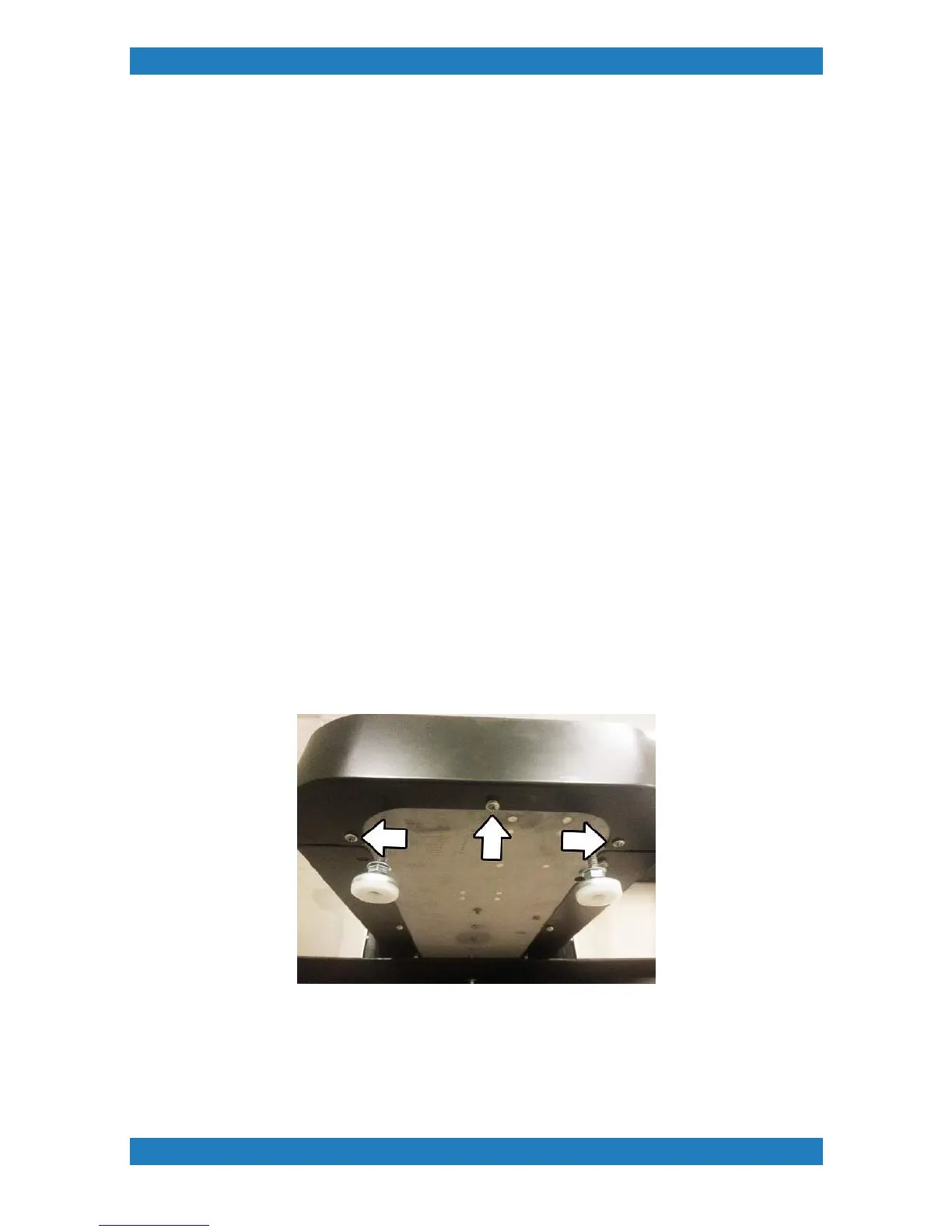
Remove the three Phillips screws from the bottom of the skirt and remove the skirt. See Photo 2.2-1
Photo 2.2-1
2. Remove the Two 10-32 screws (use a 11/32 ratchet wrench) and two 8-32 nuts (use 10/32 Allen
key / T handle) from the pleated screen mount and slide the pleated screen back to reveal the table belt
tensionor. See Photo 2.2-2



 To Next Page