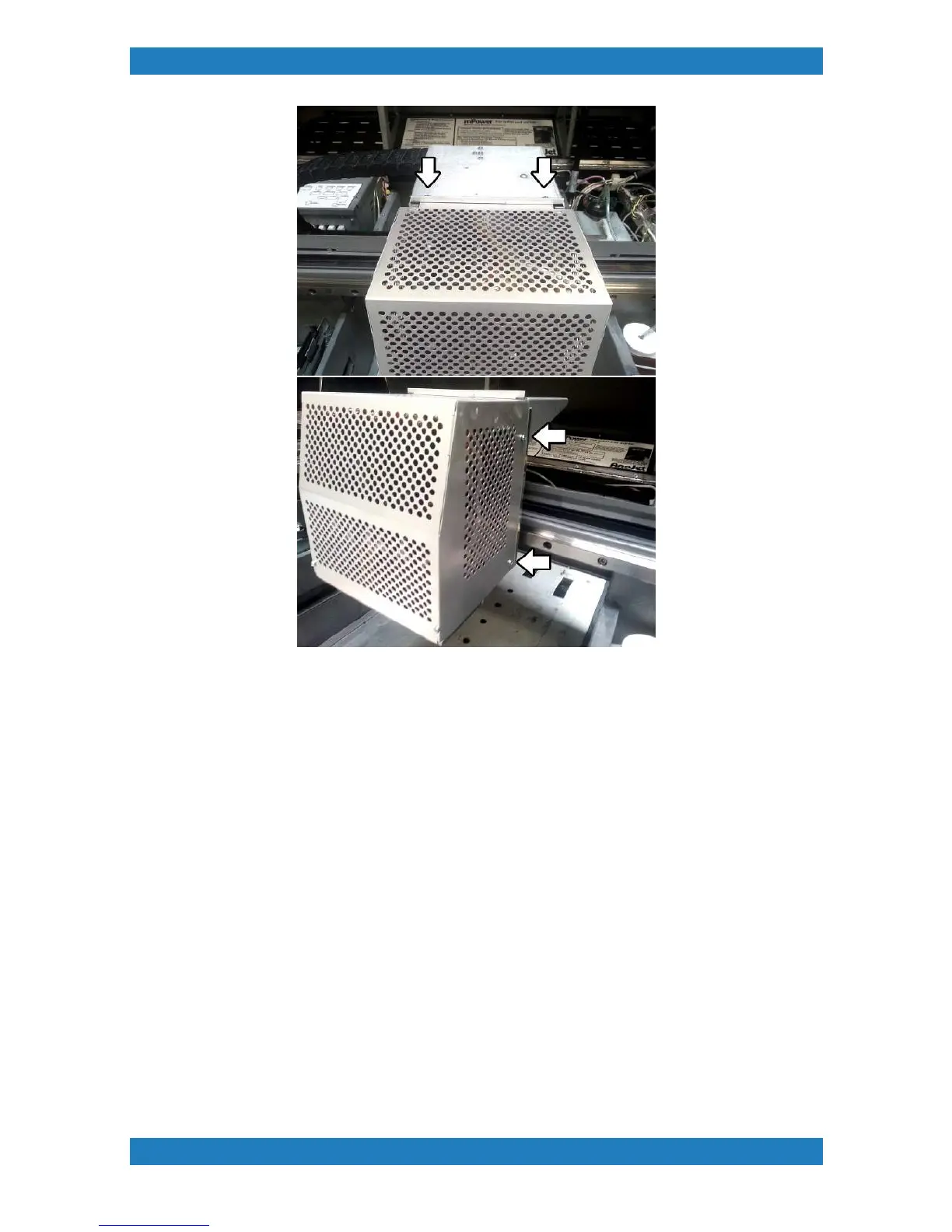
3.1 Damper Replacement
To minimize pressure surges in the printhead when the carriage moves from side to side a device called a
Damper is utilized. The damper also filters the ink before it enters the print head. If there are persistent
problems with ink flow the damper and tubes should be inspected and replaced as required. There are 12
dampers, 2 for each ink channel.
Tools Needed
o
Phillips Screwdriver
o
Cutting Shears
Parts Needed (CMYK only)
o
Damper Sub (P/N:150552-001)
Parts Needed (White only)
o
Damper Sub (P/N: 150552-001)
o
Check Valve Assy X 2pcs (150583-001)
CMYK Damper Replacement



 To Next Page