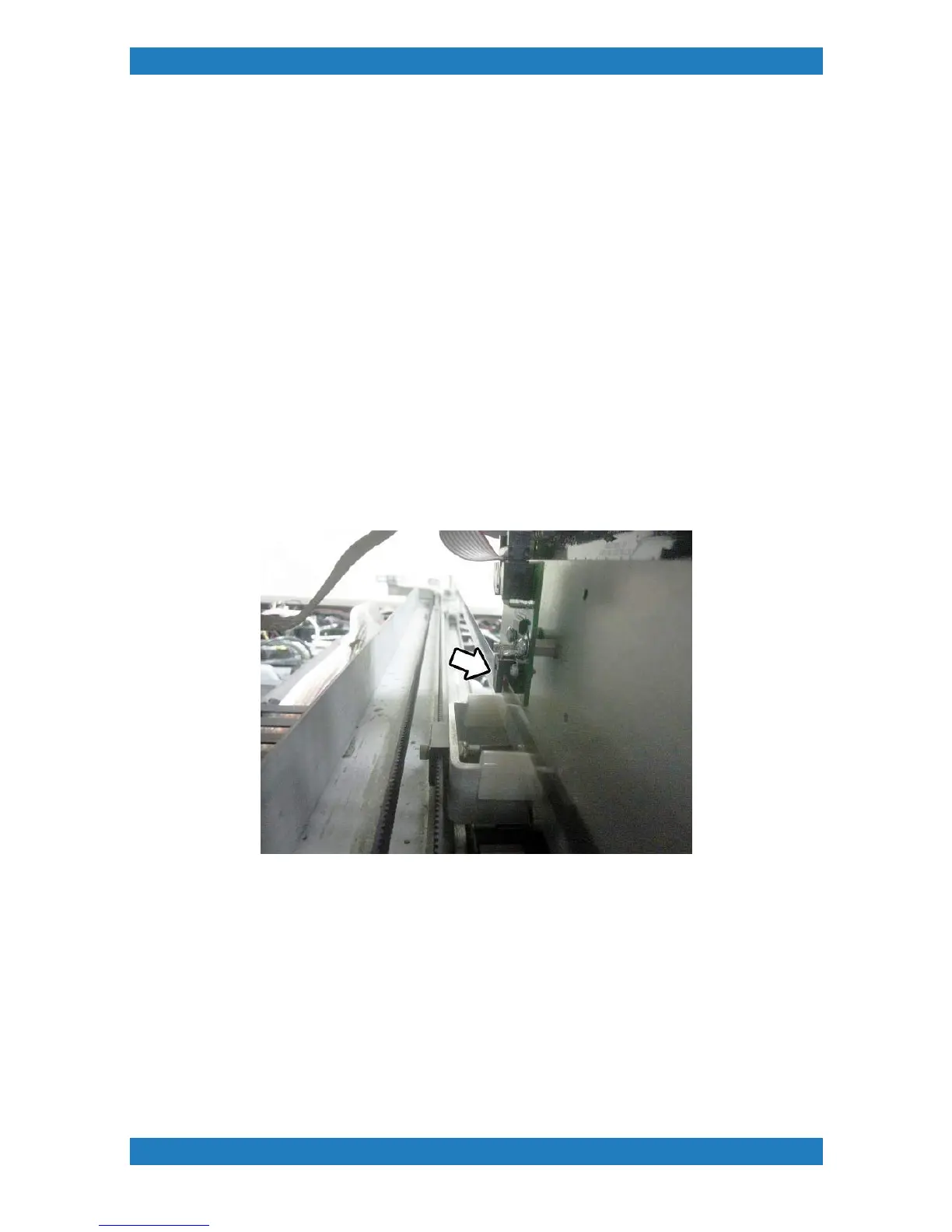
2.4 Carriage Encoder Adjustment
Tools Needed
o
5/32 Allen Key
If excessive abrasion occurs or if the Carriage Encoder is replaced, you will want to check the position of the
encoder. If adjustments are needed follow the steps below.
1. Begin by releasing the carriage (Menu > Maintenance Functions > Print Carriage Control > Release
Carriage). Once the Carriage has been released move the carriage to the far left. Observe the position of the
encoder strip, the encoder strip should be going directly down the middle of the encoder sensor. The encoder
should not be touching or leaning toward one side. Move the Carriage to the far right now and check the
position of the encoder strip on the far right side.
Photo 2.4.1
2. If adjustments are needed loosen the two socket head screws holding the left encoder mount and adjust
until centered. Retighten the Screws. See photo 2.4.2



 To Next Page