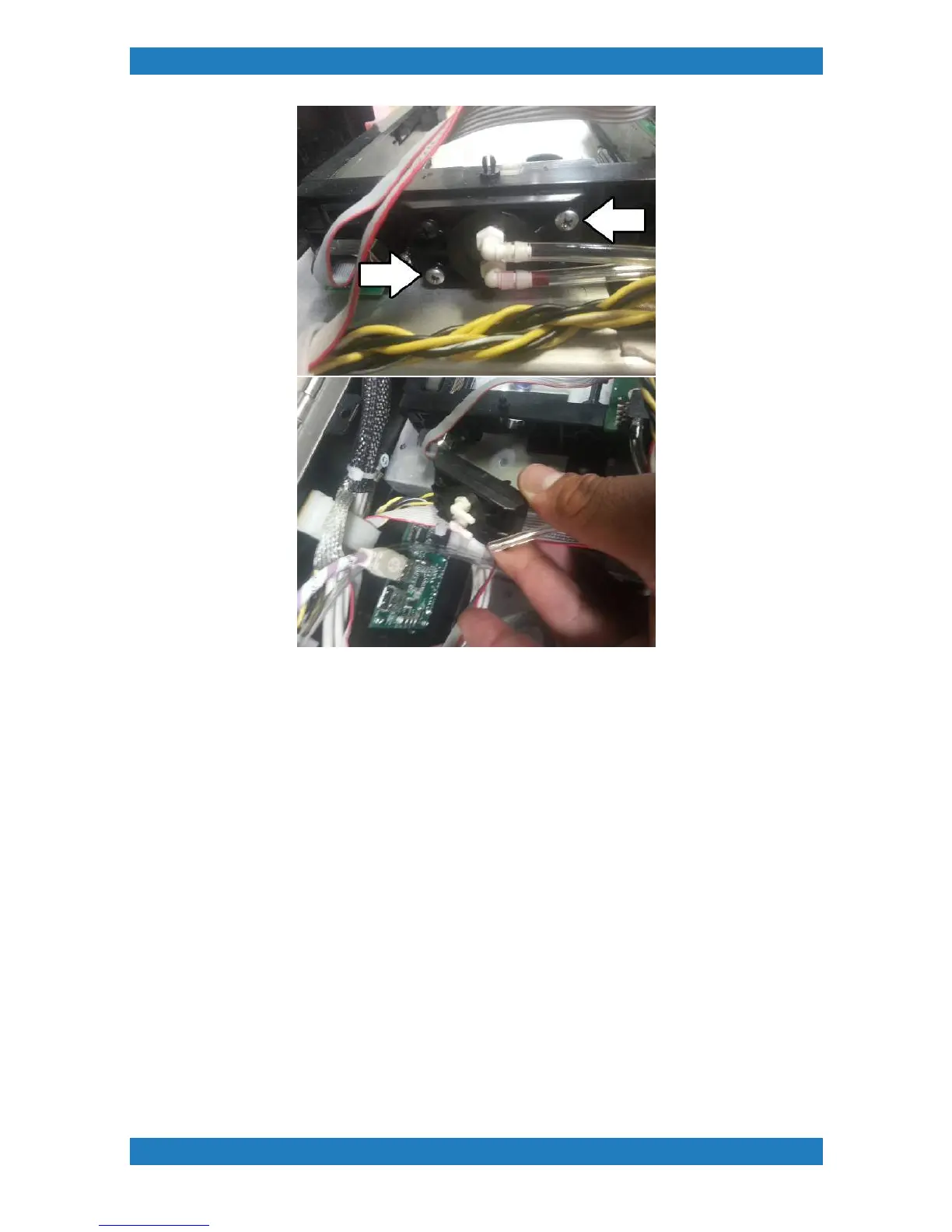
Photo 3.7.2-4
When connecting the tubes back we recommend cutting the tip of the tubes since it has been stretched.
Connect the tubes making sure it reaches the very end of the needle.
3.8 Ink Slot Controller Board Replacement
Tools Needed
Ink Slot Controller Board (CMY-Front Board P/N:51-20010-001) (BWW-Back
Board P/N: 51-20010-002)
The ink slot controller board can be damaged if ink or moisture is on it. Improper cable connections or contact
can cause a short on the board resulting in bad cartridge read outs or error messages. The ink slot board will
have a red light flashing or no lights indicating it is damaged or there is an error.
1. Begin by removing all the cables connected to the board. See photo 3.8.1



 To Next Page