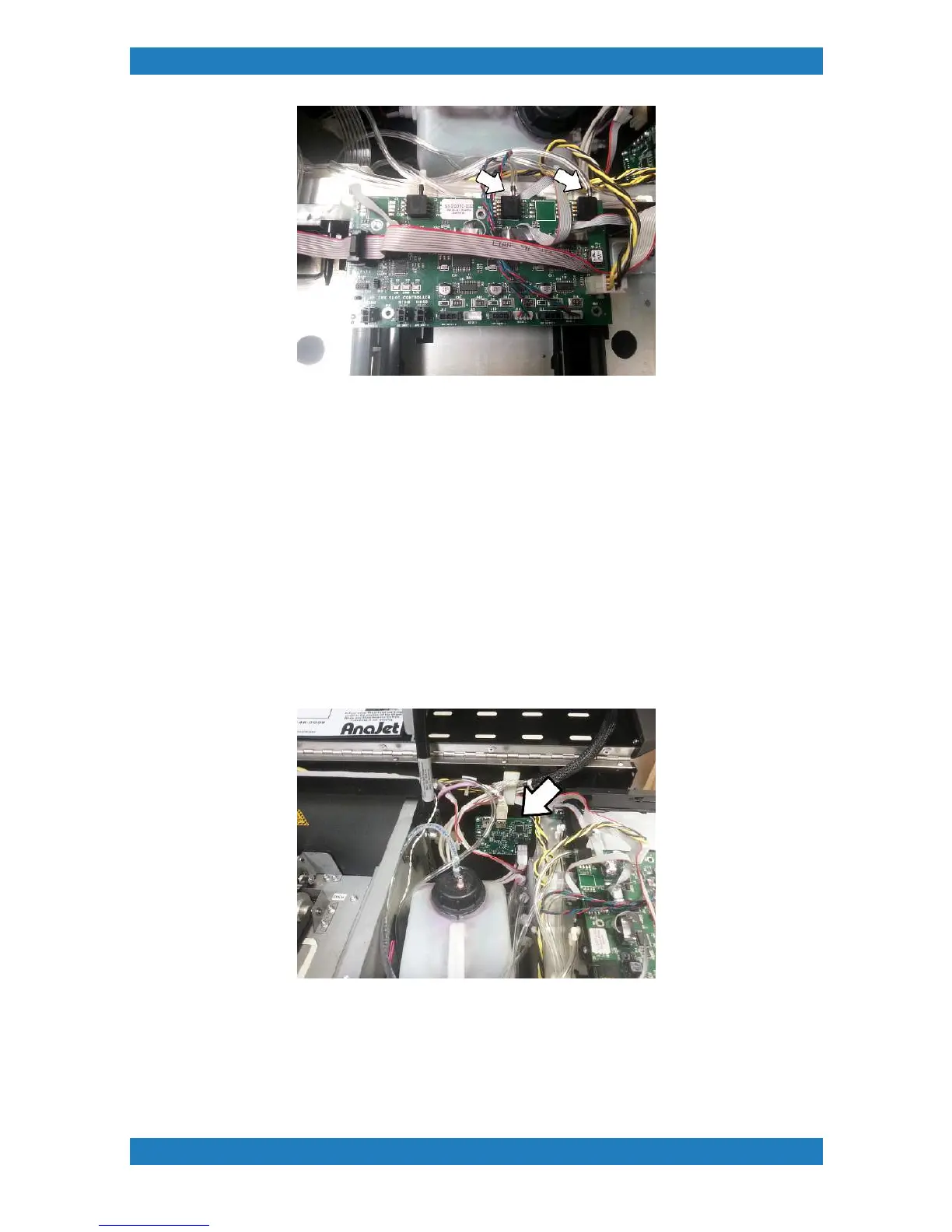
Replace your ink slot board and follow these steps backwards to put back your board.
3.9 USB-ETH-CAN Switch Board Replacement
Tools Needed
o
Phillips screwdriver
o
USB-ETH-CAN board ( P/N: 51-20020-001)
Ink or moisture can damage the board resulting in no communication of the printer or the carriage crashing.
The board will show a red or no light if the board is damaged or if there is an error. Always check cable
connection before replacing the board. The USB-ETH-CAN switch board will be located in the far right behind
the waste ink tank. See photo 3.9.1
Photo 3.9.1
1. Begin by unplugging all the cables connected to the board. You will have 3 cables to disconnect. See
photo 3.9.2



 To Next Page