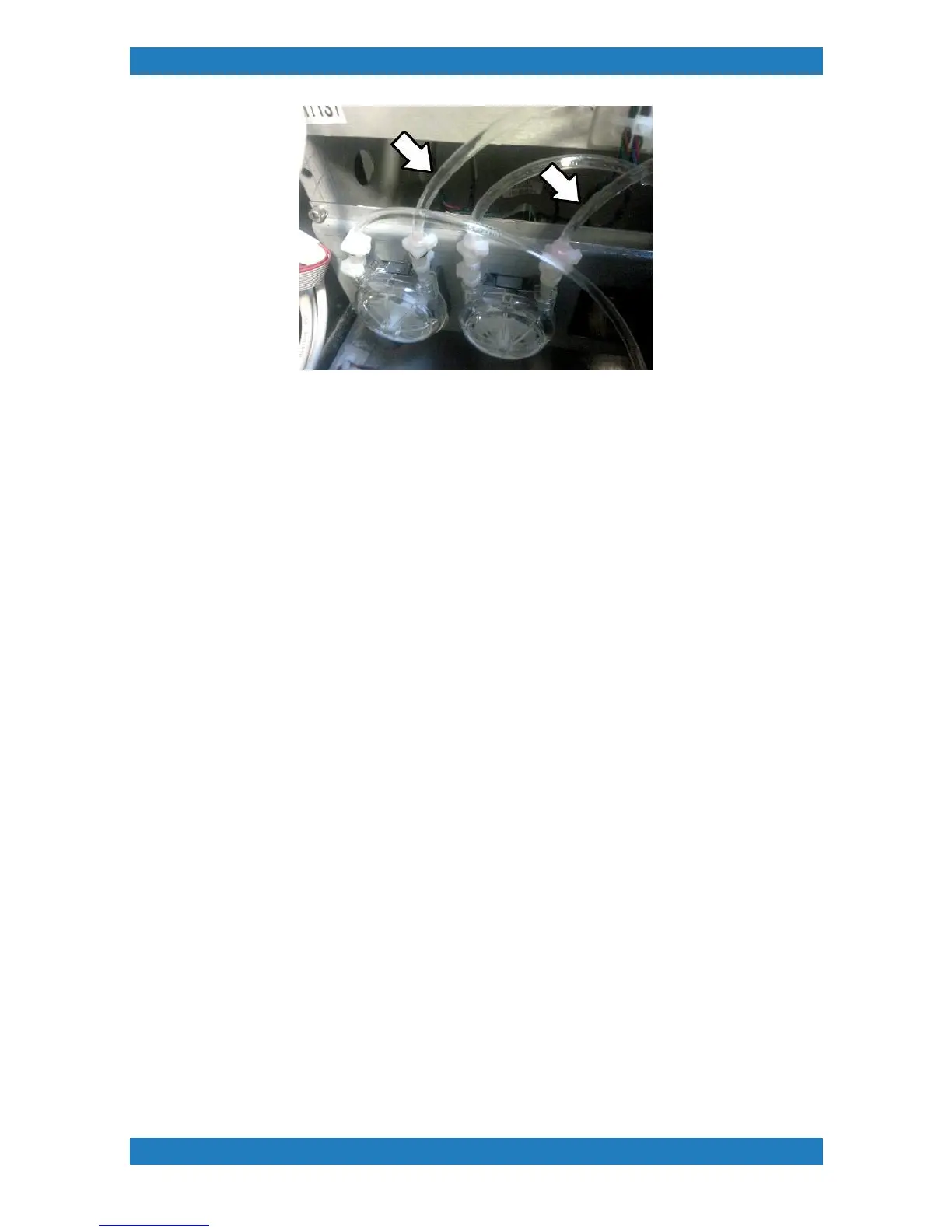
Photo 3.2.14
3. If the steps above were followed correctly your tube sets should now be removed.
3.2.2 Replacing Ink tube system
Tools Needed
o
Phillips Screwdriver
o
3/32 hex key / Allen key
o
Cutting shears
Parts needed mP10i
o
Print tubes X 1pcs (150205-001)
o
Purge Tubes X 1pcs (150207-001)
o
Damper Sub X 6pcs (mP10 P/N:150553-001)
o
Y-Fitting Valve Assembly X 2pcs (White Dampers only) (P/N: 150591-001)
o
Y Splitter Assembly with tube X 12pcs (P/N 150529-001)
o
Elbow - Tube kit X 8pcs - (P/N: 150590-001)
Parts Needed mP5i
o
Print tubes X 1pcs (150205-001)
o
Purge Tubes X 1pcs (150207-001)
o
Damper Sub X 6pcs (mP5 P/N: 150552-001)
o
Y-Fitting Valve Assembly X 2pcs (White Dampers only) (P/N: 150591-001)
o
Elbow - Tube kit X 8pcs - (P/N: 150590-001)
1. Line your tube set at the very top and tape the end. see image below. The purge tubes (set of 2) will have a
T splitter. The T splitter should be facing up. See image below. It is very important that the tubes are arranged
in this position. See Photo 3.2.1



 To Next Page