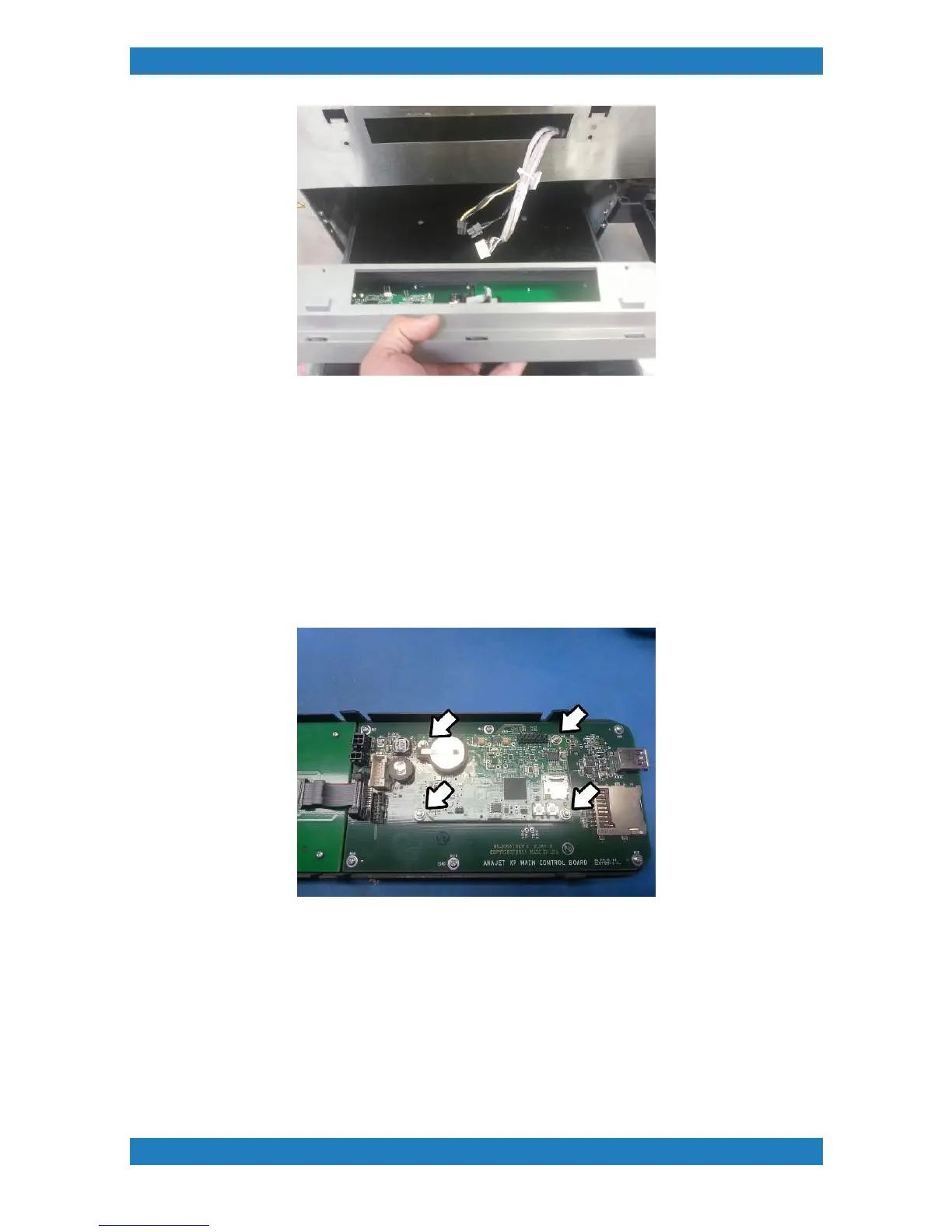
Photo 3.13.3
3.13.1 Control Panel O-MAP Board Replacement
Tools Needed
o
Phillips Screwdriver
o
O-MAP Board (P/N: 51-20019-001)
1. Control panel O-MAP board is held by 4 screws. Use a small wrench (3/16) to remove the screws and the
board. See photo 3.13-1
Photo 3.13.-1
The Control Panel Mother board will have a small connection underneath, when replacing your board make
sure this connection is plugged in. See photo 3.13-2



 To Next Page