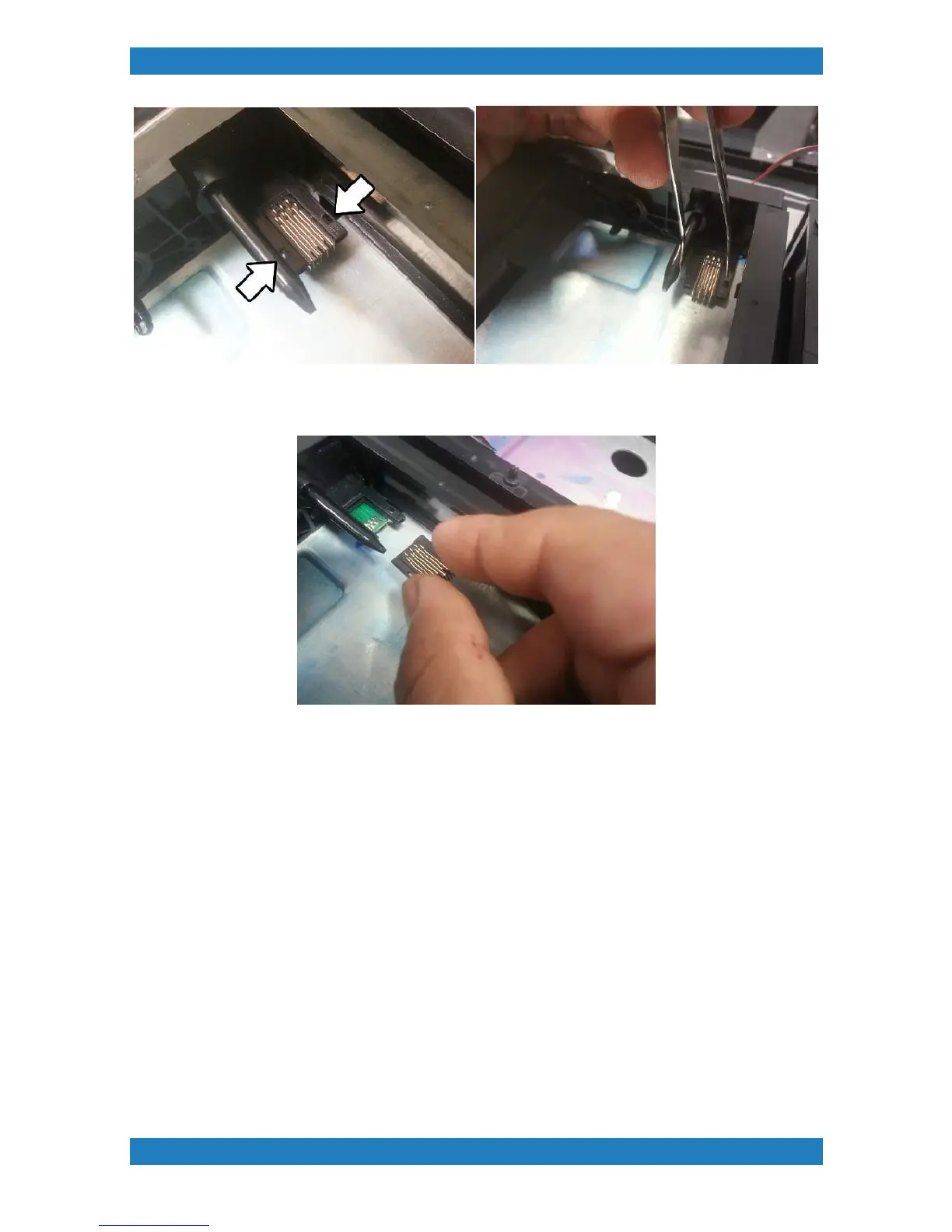
Photo 3.7.6
Replace with your new chip and insert cartridge once powered up to verify that its working. See photo 3.7.7
Photo 3.7.7
3.7.2 Ink Needle Replacement (CMYK)
Tools Needed
o
Small flat head screwdriver
o
Phillips screwdriver
o
Needle Flate Fitting Assy (mP-i series) (P/N: 150582-0001)
Ink needles can be clogged with improper maintenance or inactivity. Ink will dry within the needle resulting in
bad ink flow and poor printing results. Depending on which needle you are replacing you may need to remove
the ink bay cover. See section 3.7 for ink bay removal.
1. Use a small flat head screwdriver to gently push out the tube connected and gently pull on the tube to
release it. See photo 3.7.2-1



 To Next Page