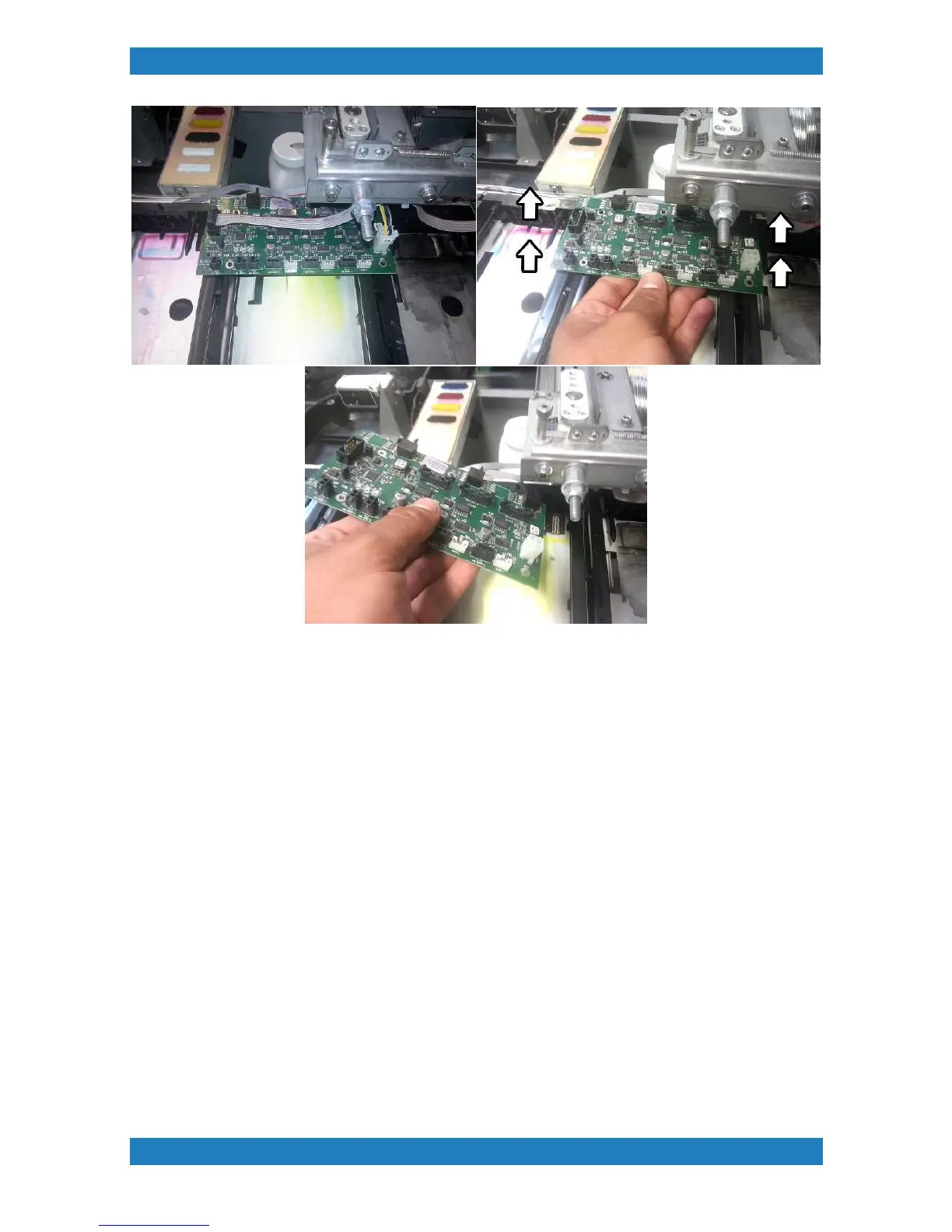
Photo 3.7.5
Contact Block Replacement
The contact block can be damaged if ink or moisture is on the contacts resulting in a bad cartridge read out
or error message. This can also affect the ink consumption calculation within the printer.
Each cartridge reader assembly will have a contact block chip. Newer model printers will have a quick release
option while older machine will require to replace the entire assembly.
1. The chip will have two small tabs one on each side. Use a set of small tweezers to push on the tabs and
slide the chip out. See photo 3.7.6



 To Next Page