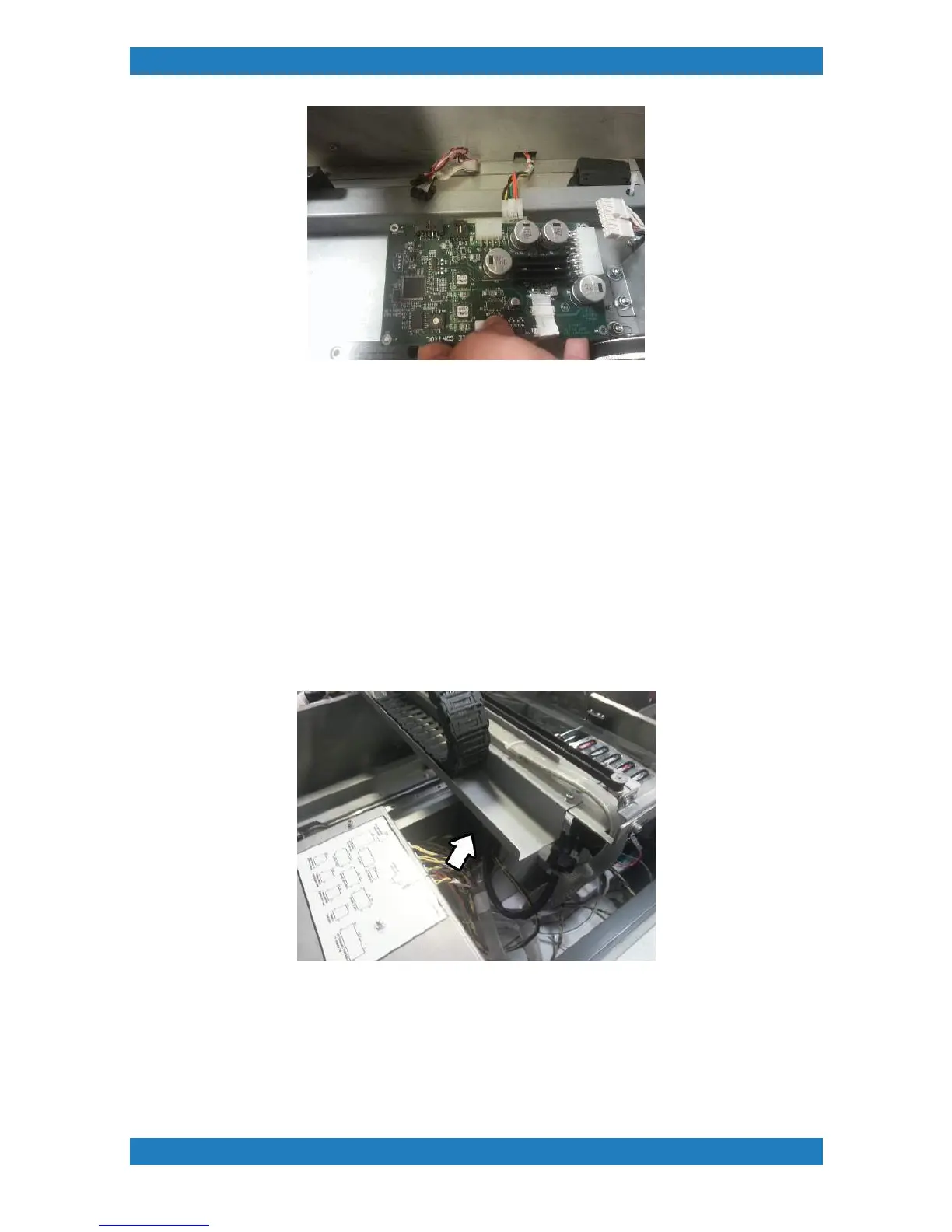
Photo 3.10.2
Replace your new board and plug in the last cable first before securing the board down. Follow these steps
backwards.
3.11 Carriage Motion Control Board Replacement
Tools Needed
o
Phillip Screwdriver
o
Carriage Motion Control Board (P/N: 51-20007-002)
Ink or moisture can damage the board resulting in the carriage crashing, bad or rough carriage movement.
The board will show a red or no light if the board is damaged or if there is an error. Always check the cable
connections before replacing the board. The Carriage Motion Control Board will be located in the far left in
front of the power supply. See photo 3.11.1
Photo 3.11.1
1. Reach in and disconnect all the cables connected to the board there will be a total of 4 cables connected.
See photo 3.11.2



 To Next Page