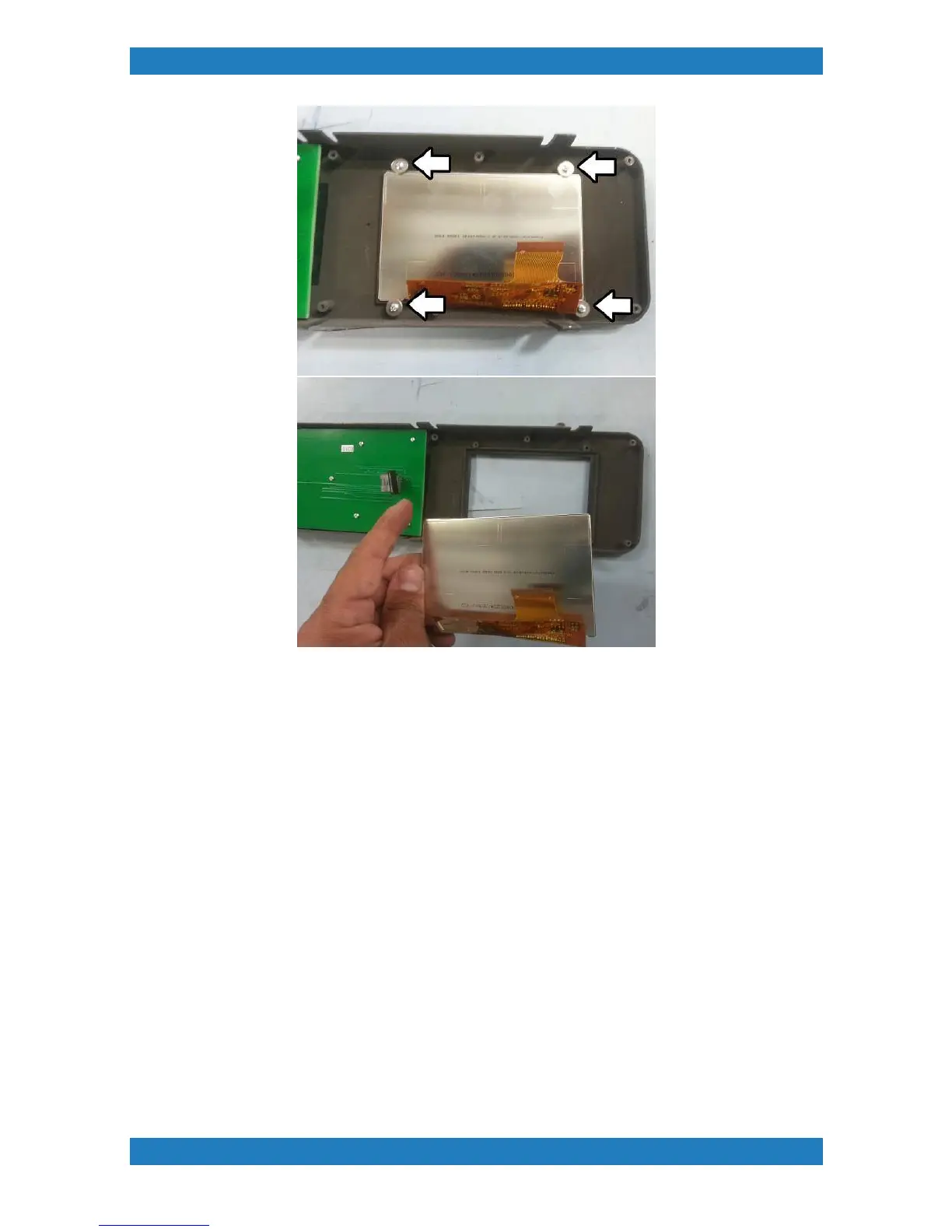
Photo 3.13.3-1
Replace your LCD and follow these steps backwards. Its very important that the LCD ribbon cable is properly
connected. If the ribbon cable is not making good contact your LCD screen will not work.
3.14 Button Assembly Replacement
Tools Needed
Phillips Screwdriver
Button assembly (P/N:
If a button is damaged or is no longer working the button assembly must be replaced.
1. Remove the control panel and the control panel cover see section 3.14
2. Unplug the cable connected to the board see image below.



 To Next Page