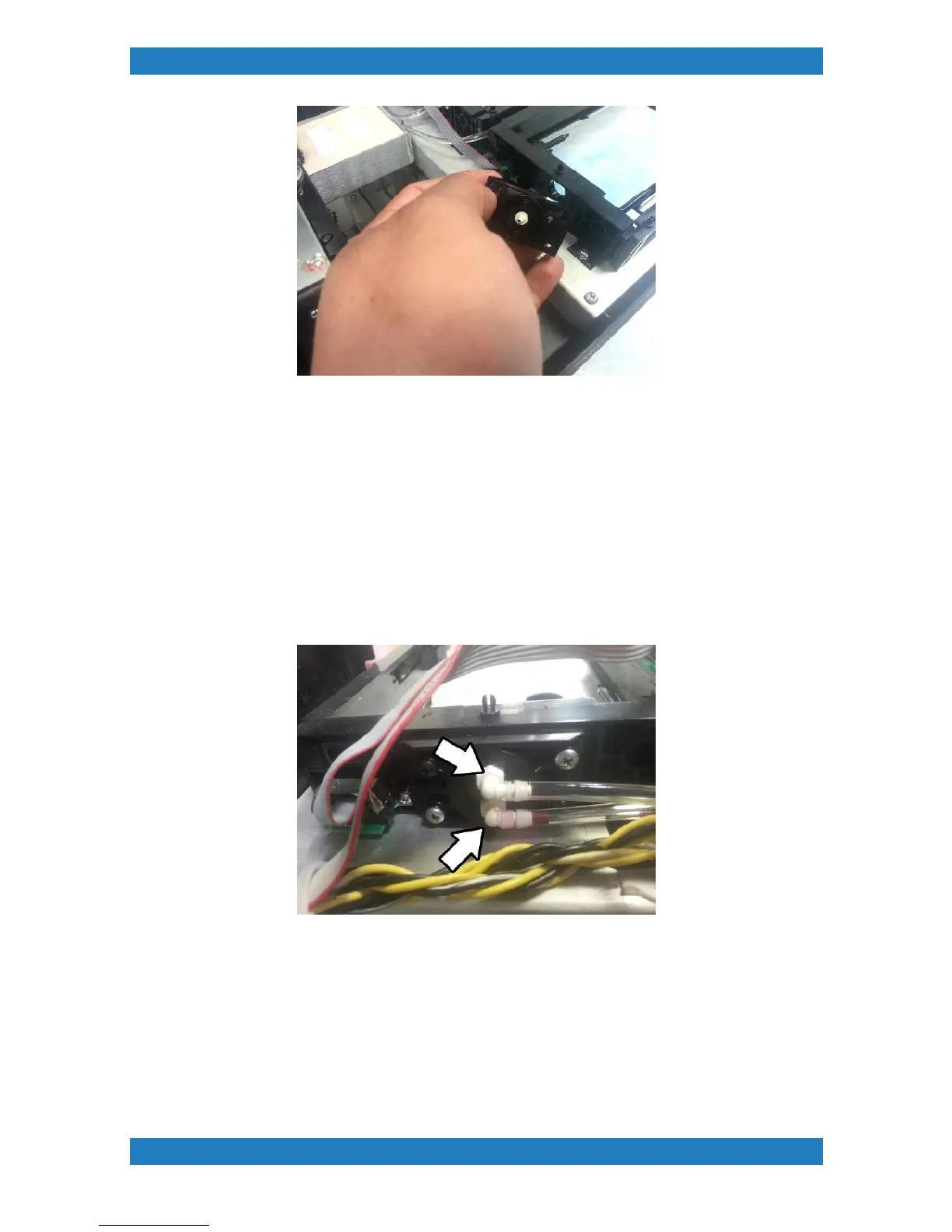
Photo 3.7.2-2
When connecting the tube back we recommend cutting the tip of the tube since it has been stretched.
Connect the tube making sure it reaches the very end of the needle.
Ink Needle Valve Replacement (White)
Tools Needed
o
Small flat head screwdriver
o
Black needle assy. (mP-i series) (P/N: 150581-001)
1. The white ink needle valve will have 2 tubes connected to it. Use a flat head screwdriver to remove the
tubing. See photo 3.7.2-3
Photo 3.7.2-3
2. The Ink needle valves will have two phillip screws holding it down. Remove the chrome screws only to slide
out the ink needle valve. See photo 3.7.2-4



 To Next Page