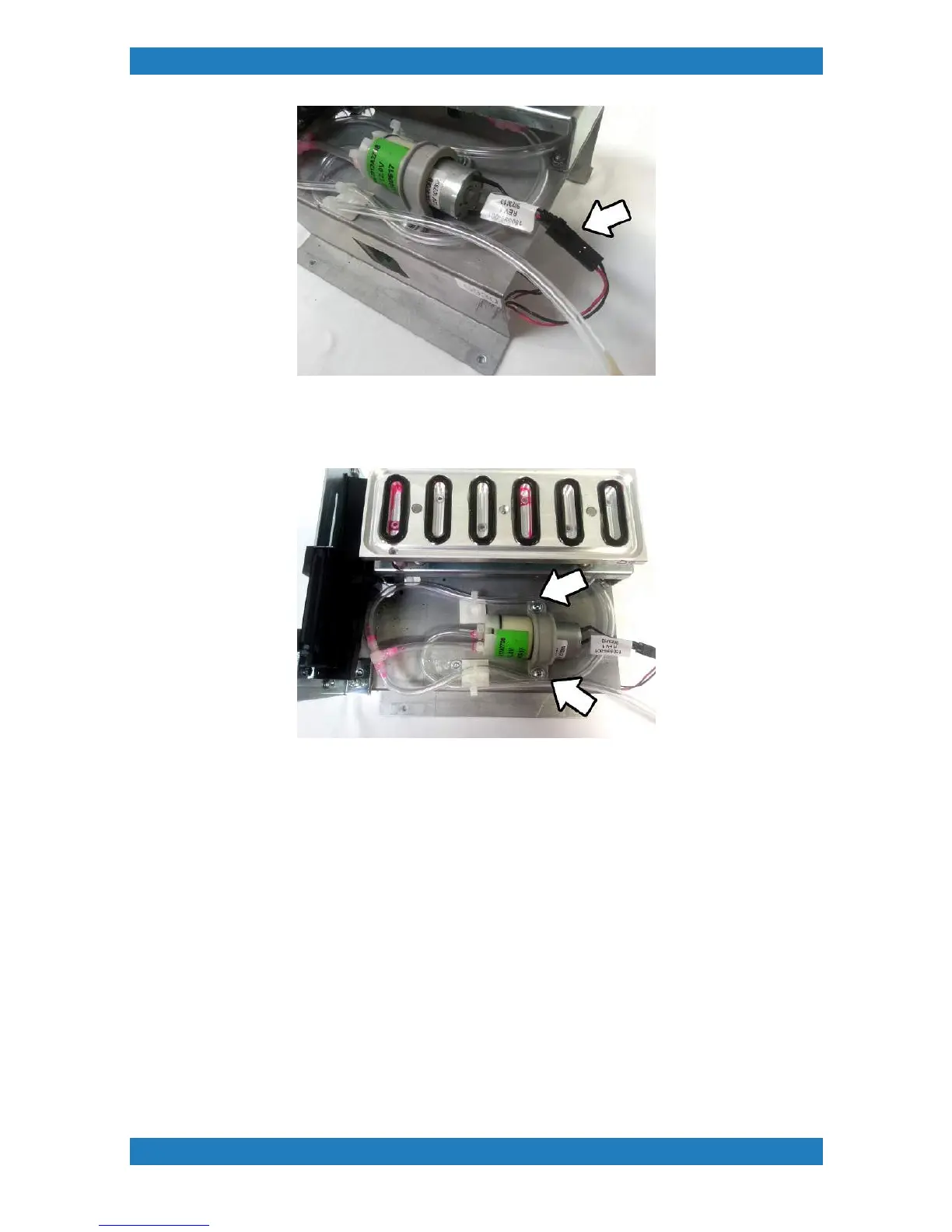
Photo 3.3.2
4.The pump is help by a small clamp. The clamp will have 2 phillip screws holding it down. Loosen the
screws only and the pump should slide out. See photo 3.3.3
Photo 3.3.3
5. The pump will have two tubes connected to it. The middle Tube feeds ink out (to waste tank). While the
tube on the side feeds ink in.
The tubes will have a small zip tie holding it down. Remove the zip tie, and carefully unplug the tubes.
Replace the old pump with a new one. We recommend having a zip tie on the tubes to ensure an air tight
seal. See photo 3.3.4



 To Next Page