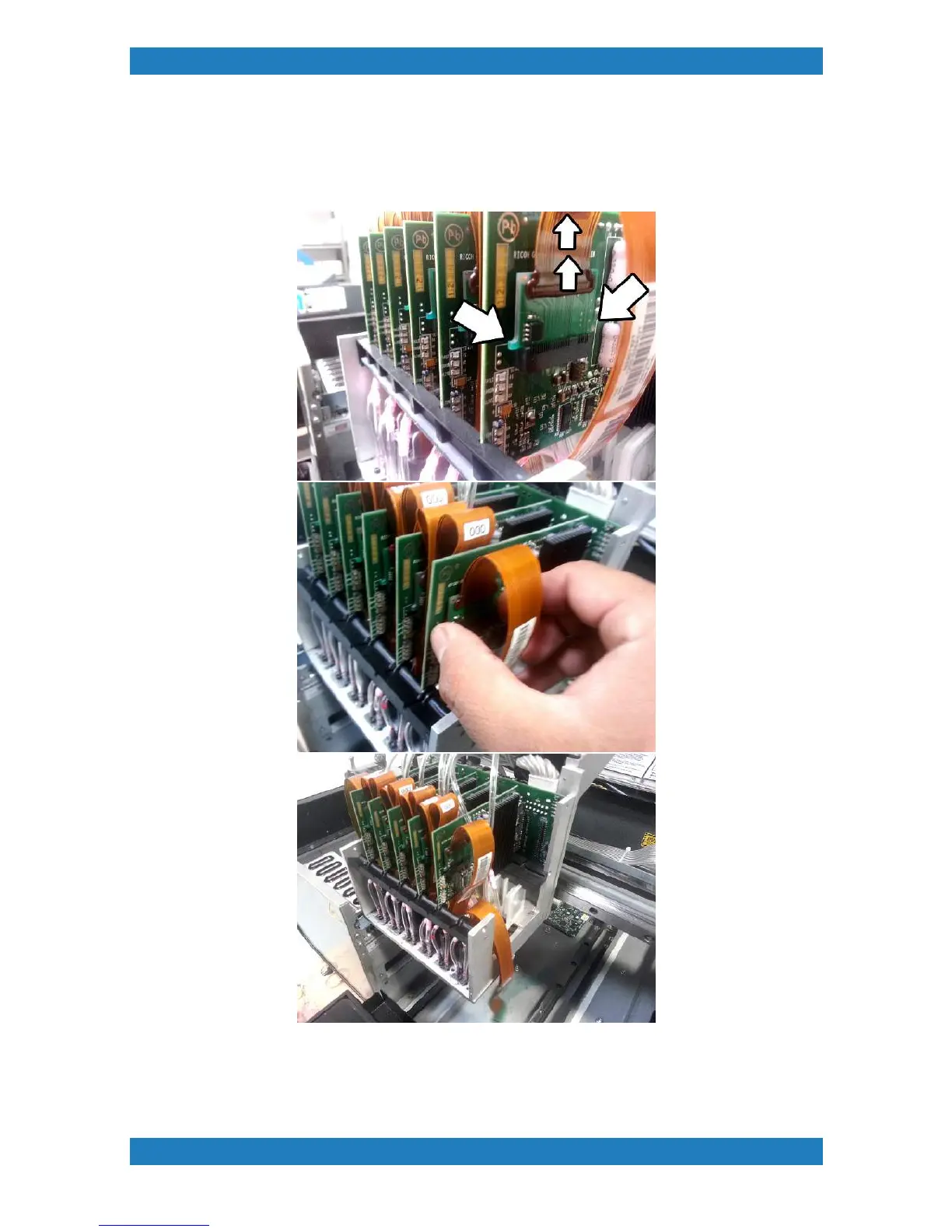
Each print head board will have a print head ribbon cable connected to it. Each ribbon cable also has a small
board attached to it. The small board will have two small tabs one on each side. Carefully remove the print
head ribbon cable using these small tabs. Pulling on the cable can permanently damage the print heads.
Carefully unplug the print head board from the Ricoh Carriage Controller slot by sliding it out.
Replace your board and carefully connect the print head ribbon cable back. Its very important that we do not



 To Next Page