76
9. 1 Dashboard (RCS²)
9. MAINTENANCE AND SUPPORT
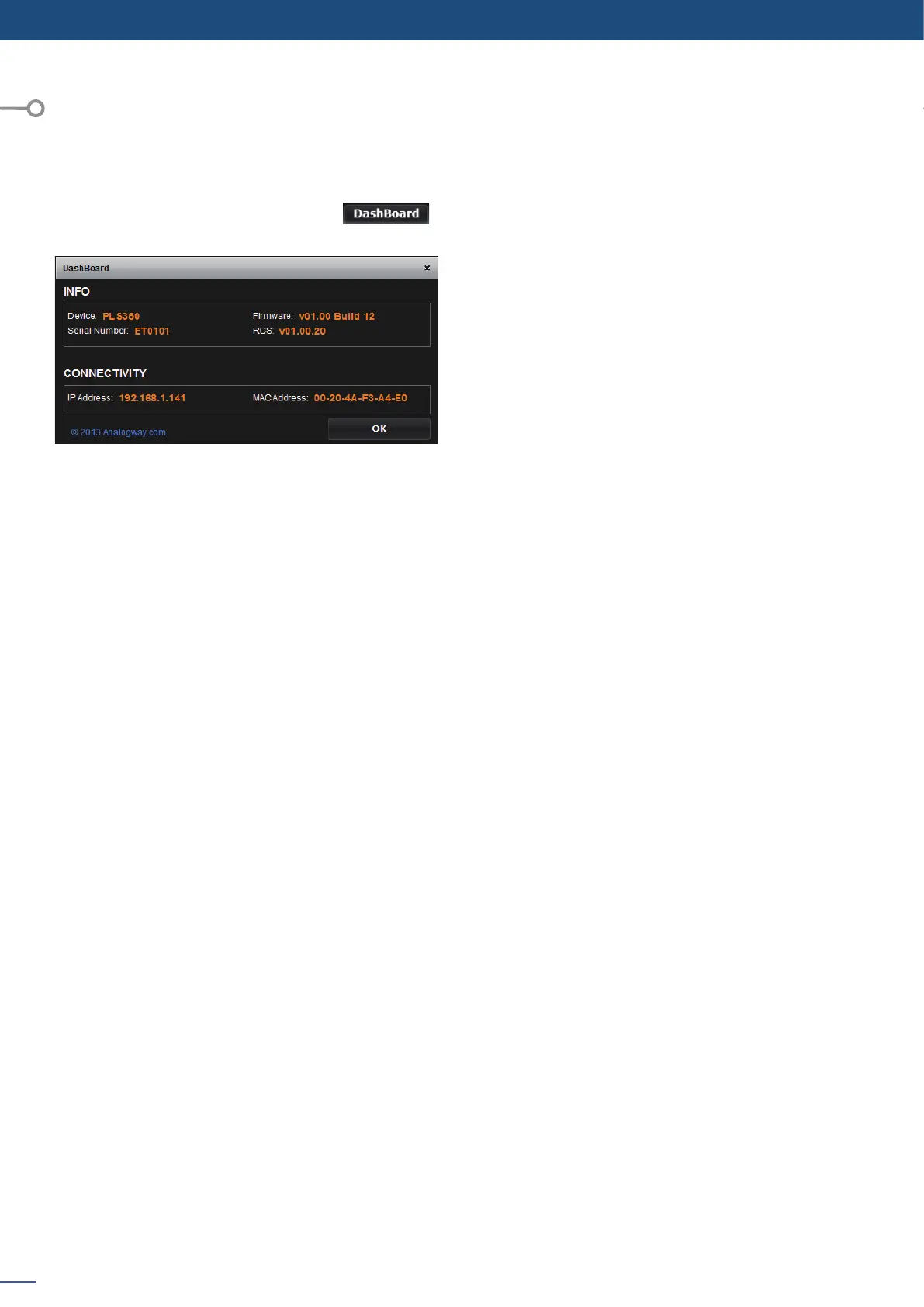
On the RCS², you have access to a chart with general informaon on the unit.
Please click on the Dashboard buon:
On this chart, you will nd under the INFO tab, the
Device name, the Serial number of your product, the
actual rmware and the soware version of the RCS².
Under CONNECTIVITY, you will nd the current IP
address of your unit and its MAC address.
9.1


 To Next Page