EasyManua.ls Logo

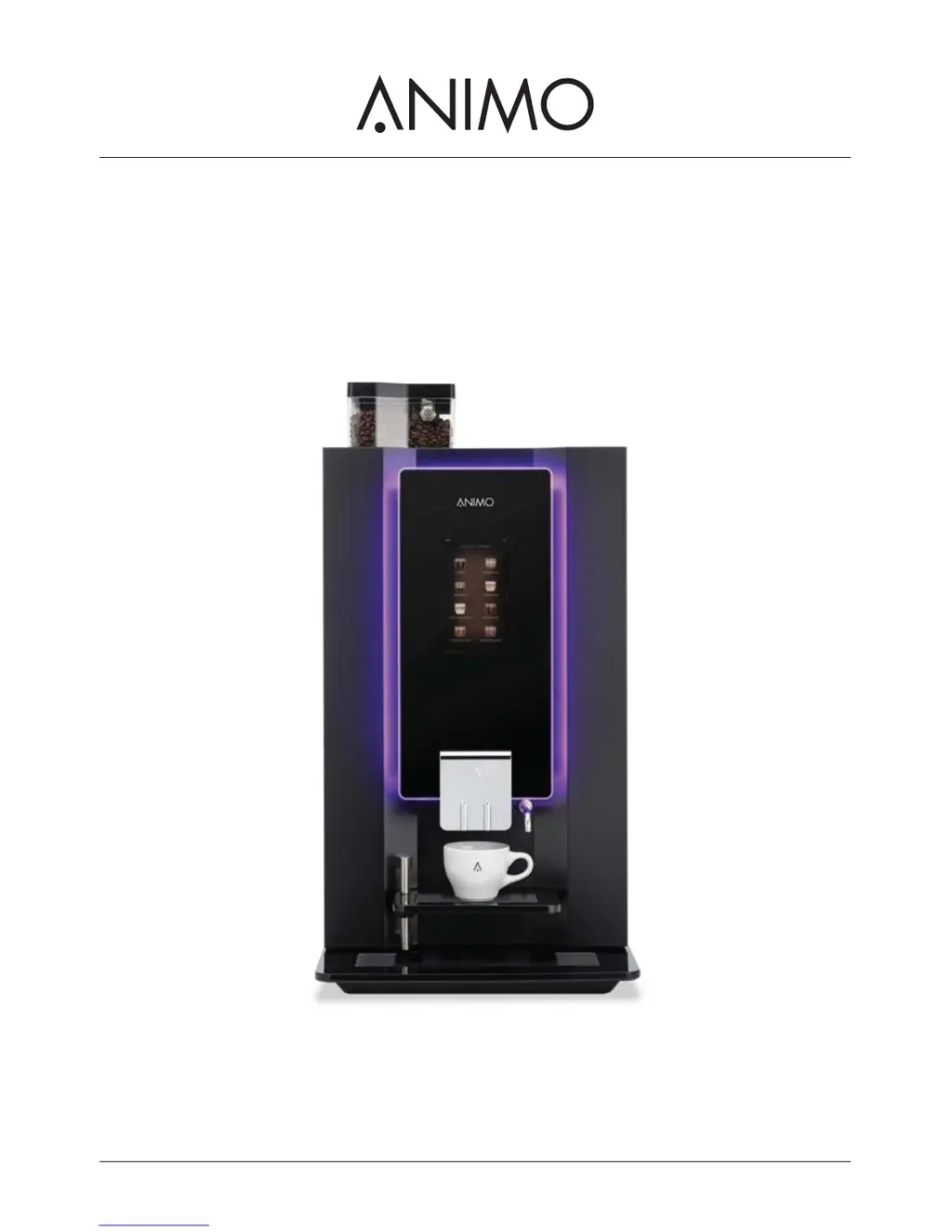
Animo OptiBean Touch - User Manual

Animo OptiBean Touch
52 pages
Print Icon
To Next Page IconTo Next Page
Loading...
/i
OptiBean (XL) Touch
gebruiksaanwijzing betjeningsvejledning
user manual bruksanvisning
betriebsanleitung användarmanual
mode d’emploi käyttöohjekirja

Other manuals for Animo OptiBean Touch

Questions and Answers

  • C
    chelsea39Aug 25, 2025
    What to do if my Animo OptiBean Touch Coffee Maker has a bad product taste?
    • V
      vrowlandAug 26, 2025
      If your Animo Coffee Maker is producing a bad product taste, consider these possible causes and solutions: * The canister might be empty: Fill the canister. * The canister might be incorrectly positioned: Position the canister correctly. * The outlet of the canister might be blocked: Clean the outlet of the canister. * The distributor of the canister might not be working: Check or clean the distributor of the canister. * Wrong ingredient: Use the correct ingredient. * The ingredient is solidified (caked): Replace the ingredient.
  • S
    Stephanie HartAug 26, 2025
    Why my Animo Coffee Maker does not work?
    • R
      Richard JamesAug 27, 2025
      If your Animo Coffee Maker isn't working, there could be a few reasons. Check the fuses to see if they are broken. Ensure the machine is switched on. Also, inspect the power cable for any damage.
  • J
    Janet PowellAug 27, 2025
    What to do if my Animo Coffee Maker shows E7 Brewer motor error?
    • R
      Richard RoblesAug 27, 2025
      If your Animo Coffee Maker displays an E7 Brewer motor error, it means the brewer motor is either overloaded or stuck. Remove the brewer from the machine, clean it, and then reinstall it correctly. You can also use the brush to clean the brewer. After doing this, switch the machine off and on again.
  • S
    staceyfitzpatrickAug 27, 2025
    What to do if my Animo Coffee Maker shows E5 Brewer error?
    • J
      John LewisAug 27, 2025
      If your Animo Coffee Maker displays an E5 Brewer error during start-up, try switching the machine off and on again.
  • E
    Erin RussellAug 28, 2025
    What to do if my Animo Coffee Maker shows E24 Brewer error?
    • M
      Mr. Roger RodriguezAug 28, 2025
      If your Animo Coffee Maker displays an E24 Brewer error during coffee making, try switching the machine off and on again.
  • J
    Joshua HowardAug 29, 2025
    What to do if my Animo OptiBean Touch Coffee Maker shows E8 Mixer 2 error?
    • N
      Nathan MuellerAug 29, 2025
      If your Animo Coffee Maker displays an E8 Mixer 2 error, it indicates that Mixer 2 is overloaded or stuck. Remove the mixer from the machine, clean it, and then reinstall it correctly. After that, switch the machine off and on again.
  • B
    Bruce WardAug 30, 2025
    What to do if my Animo OptiBean Touch Coffee Maker shows E11 Ingredient motor error?
    • N
      Nancy WeissAug 30, 2025
      If your Animo Coffee Maker displays an E11 Ingredient motor error, it means the ingredient motor is overloaded or stuck. To resolve this, clean the canisters and then switch the machine off and on again.
  • C
    Cheryl WolfeAug 23, 2025
    What to do if my Animo Coffee Maker shows E3 Fill error?
    • M
      Marcus WilliamsAug 23, 2025
      If your Animo Coffee Maker displays an E3 Fill error, it means the boiler is filling up too slowly. First, check the water pressure and ensure the water supply tap is completely open. Also, inspect the connection tube for any kinks. If the issue persists, try switching the machine off and on again.
  • S
    Stephanie RyanSep 1, 2025
    What to do if my Animo OptiBean Touch shows E14 Output error?
    • J
      John ComptonSep 1, 2025
      If your Animo Coffee Maker displays an E14 Output error, and it's due to the outlet group of the ingredient motor being overloaded, you should clean the canisters and then switch the machine off and on again.
  • K
    kathleenbryantSep 1, 2025
    Why my Animo OptiBean Touch Coffee Maker does not respond?
    • L
      Lisa KeithSep 1, 2025
      If your Animo Coffee Maker isn't responding, it might be in stand-by mode. Try switching off the stand-by mode.

Summary

Safety

Important Information

User manual provides information about installation, operation and maintenance for safe and effective use.

Warning, Caution and Note

Explains the meaning of warning, caution, and note symbols used in the manual for hazard identification.

Intended Use

Modifications

Instructions and warnings regarding modifications or alterations to the machine.

Safety Devices

Safety Precautions

General Safety Precautions

General guidelines for safe operation, maintenance, and use of approved parts.

During Installation

Precautions for safe installation, including environmental conditions and power connection.

During Normal Operation

Safety measures for operating the machine, keeping controls clean, and unplugging when not in use.

During Maintenance and Repair

Safety steps for maintenance, including protective gloves and avoiding water jets.

Users

Personnel Qualifications

Specifies age, training, and supervision requirements for operating the machine safely.

Personal and Food Hygiene

Emphasizes maintaining high hygiene standards for drinks intended for consumption.

Description

Working Principle

Specifications

Standard Machine

Lists technical specifications for the machine's dimensions, weight, pressure, and temperatures.

Electrical System

Details electrical specifications including voltage, frequency, power, and fuse rating.

Touchscreen

Configuration Menu

Main Menu

Overview of the configuration menu structure and navigation.

Energy Safe Mode

Transport & Installation

Installation

General installation guidelines, including water softening and temperature considerations.

Positioning

Guidelines for placing the machine on a flat surface, considering clearance for doors and canisters.

Water Connection

Steps for connecting the machine to a tap and optional filter system.

Using Machine for First Time

Step-by-step guide for initial machine operation and beverage dispensing.

Customize Touchscreen

Operation

Start Dispensing Cups

Process for selecting a beverage and dispensing it into a cup.

Start Dispensing Jugs (Optional)

Steps to dispense beverages into jugs, including PIN entry and quantity settings.

Filling Bean Canister

Instructions for unlocking, filling, and securing the bean canister.

Filling Instant Canisters

Steps for removing, filling, and reinserting instant canisters.

Maintenance

Cleaning and Disinfecting Detergents

Lists approved cleaning products for the mixer and brewer.

Using Cleaning Program

Guide to performing the cleaning program, including adding cleaning product.

Cleaning the Mixer

Detailed steps for disassembling, cleaning, and reassembling the mixer.

Cleaning the Bean Canister

Instructions for cleaning the bean canister and the grinder.

Cleaning the Instant Canisters

Procedure for cleaning the instant canisters and their parts.

Cleaning the Outlet

Steps to remove, clean, and reassemble the machine's outlet.

Troubleshooting

Error Messages

Lists error codes (E3, E5, etc.) and their possible causes and corrections.

Display Messages

Explains common display messages, their causes, and required actions.

Malfunctions

Lists common malfunctions, their causes, and corrective actions.

Animo OptiBean Touch Specifications

General IconGeneral
Product TypeCoffee Maker
BrandAnimo
ModelOptiBean Touch
DisplayTouchscreen
ProgrammableYes
Keep Warm FunctionYes
Auto Shut-offYes
Voltage230 V
Water FilterYes

Related product manuals