2323
2323
23
20323163en_ba_a0
Telephoning
Saving numbers in the caller listSaving numbers in the caller list
Saving numbers in the caller listSaving numbers in the caller list
Saving numbers in the caller list
You can transfer the numbers in the caller list directly to your phonebook.
The caller list is open and the number is displayed.
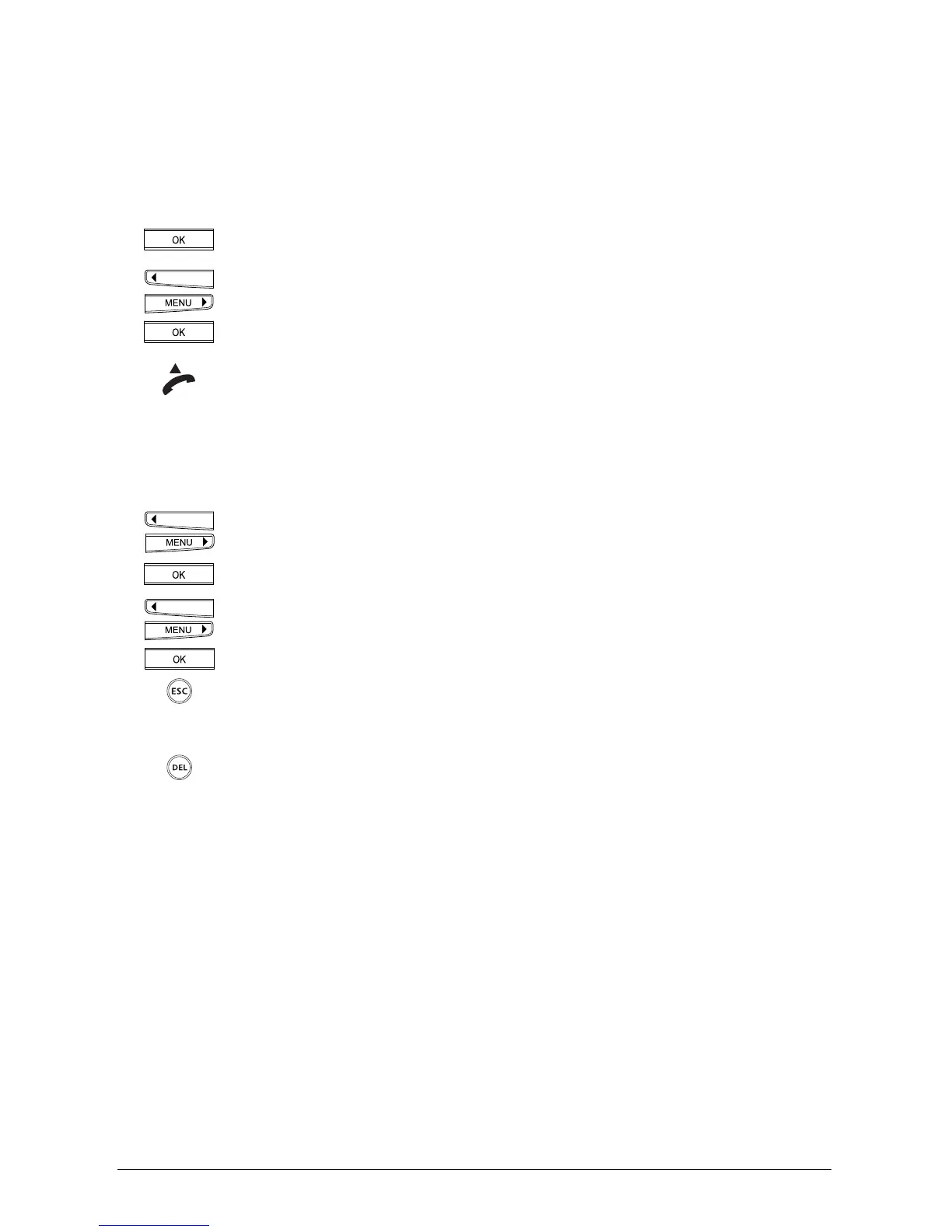
Press the OK key to access »Info«.
Use the arrow keys to switch to the »Into Phonebook« menu. Press the OK key
to confirm. You now have the option of assigning a name to the number
»Name _« is displayed. The number is entered in the phonebook as soon as
you press the OK key.
Lift the handset if you want to dial the number, or press the ESCAPE key to exit
the function.
Deleting numbers in the caller listDeleting numbers in the caller list
Deleting numbers in the caller listDeleting numbers in the caller list
Deleting numbers in the caller list
You have opened the caller list as described above.
Press the arrow keys (<) or (>) to scroll down the caller list until you have found
the number.
Press the OK key to access the sub-menu.
Use the arrow keys to switch to the »Delete« menu.
Press the OK key to delete the entry from the caller list.
To exit the function, press the ESCAPE key.
Or…
Once the relevant number is displayed, press the delete key. The entry is
deleted from the caller list.



 To Next Page