6363
6363
63
20323163en_ba_a0
Individual user charges, call charge totalIndividual user charges, call charge total
Individual user charges, call charge totalIndividual user charges, call charge total
Individual user charges, call charge total
Advice of chargeAdvice of charge
Advice of chargeAdvice of charge
Advice of charge
You can display the charges per user as well as the charge total for all calls made from the
phone.
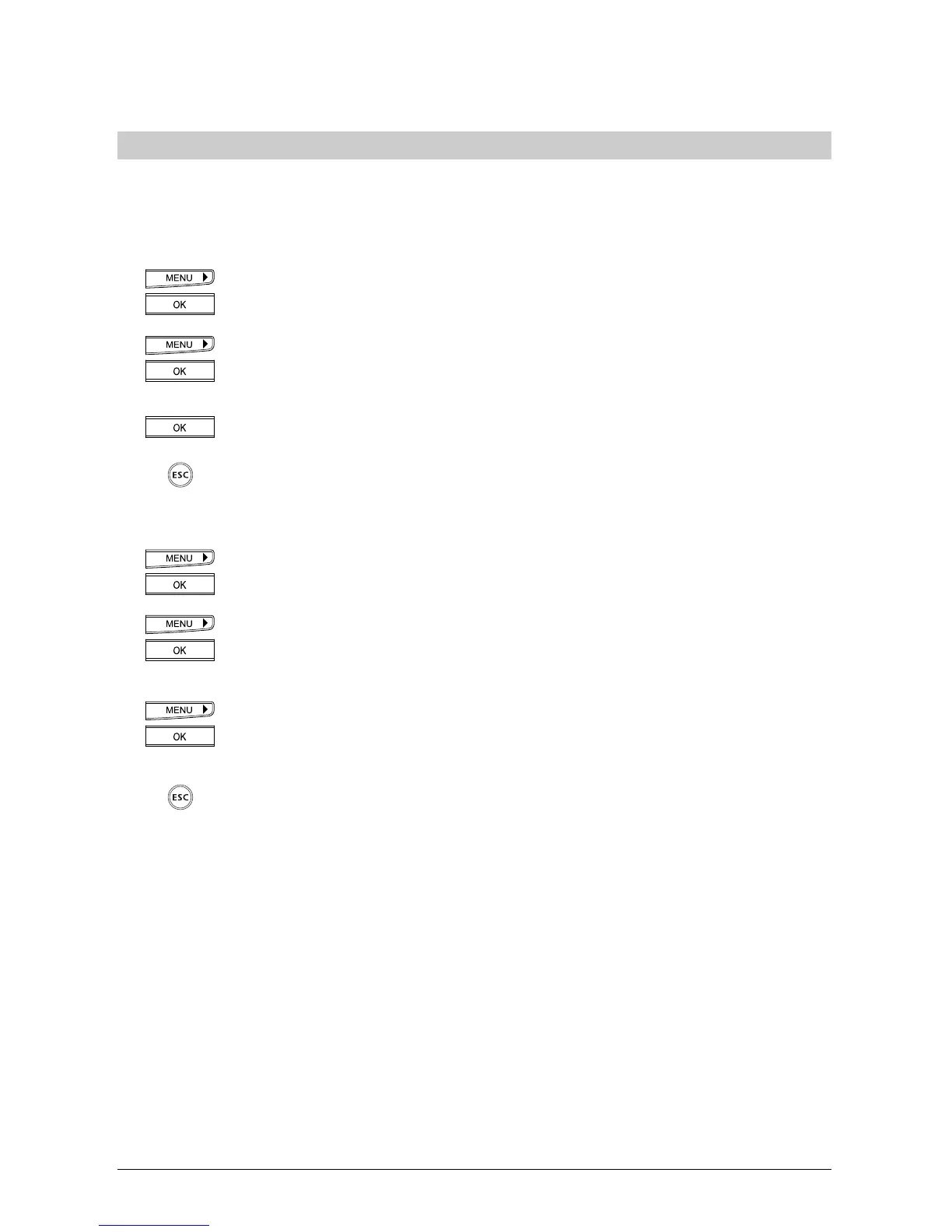
Press the menu key repeatedly until »Charges« is displayed.
Press the OK key to confirm.
Press the menu key repeatedly until »Request« is displayed.
Press the OK key to confirm.
The charges for the active user are displayed.
Press the OK key again to display the charge total for all users.
If you wish to exit the menu, hold down the ESCAPE key.
Deleting user chargesDeleting user charges
Deleting user chargesDeleting user charges
Deleting user charges
Press the menu key repeatedly until »Charges« is displayed.
Press the OK key to confirm.
Press the menu key repeatedly until »Delete« is displayed.
Press the OK key to confirm.
The display shows a prompt, »Are you sure?«
Press the right arrow key (>) for »Yes«.
Press the OK key to confirm.
The charges of the active user are deleted.
If you wish to exit the menu, hold down the ESCAPE key.
➭
The charge total always shows the total for all users and cannot be deleted directly. It is
only deleted when the charges for all users are deleted.
➭
Note that for technical reasons the displayed charges may differ from the amount billed.
The amount indicated on your bill is binding.
➭
To display charges for the last 10 calls in the redial list, press the OK key for the relevant
number: »Info« is displayed. Press the OK key to confirm.
Additional settings



 To Next Page